Low-EMF Home Security: Wired Cameras, PoE Systems, and Smart Alternatives That Don’t Blast You with WiFi
The modern smart home security industry has a dirty secret: most popular systems are designed around WiFi — and WiFi cameras broadcast continuously, 24 hours a day, whether anything is happening or not.
If you’ve been looking for a way to secure your home without adding another always-transmitting device to every room, this guide is for you.
The Problem with WiFi Security Cameras
Here’s what most people don’t realize: a WiFi security camera isn’t like a WiFi-connected light bulb that sends an occasional signal. Video requires continuous, high-bandwidth transmission — and that means your camera is pumping out RF radiation nonstop.
How Much RF Do WiFi Cameras Actually Emit?
| Camera Type | Frequency | Typical Transmit Power | Duty Cycle | Effective Daily RF |
|---|---|---|---|---|
| WiFi camera (2.4 GHz) | 2,400 MHz | 50-100 mW | 80-100% (streaming) | High — constant |
| WiFi camera (5 GHz) | 5,000-5,800 MHz | 100-200 mW | 80-100% (streaming) | High — constant |
| PoE camera (no WiFi) | N/A | 0 mW | 0% | Zero RF |
| PoE camera (WiFi backup) | 2,400 MHz | 50-100 mW | 0% (disabled) | Zero (when WiFi off) |
| Battery camera (motion only) | 2,400 MHz | 50-100 mW | 5-15% | Moderate — intermittent |
| Cellular camera (4G) | 700-2,600 MHz | 200-600 mW | 5-20% | Moderate — intermittent |
The key distinction: a WiFi camera streaming to the cloud is transmitting at roughly the same power as your WiFi router — but positioned at eye level in your living room, nursery, or bedroom. Many homes have 4-8 cameras, effectively multiplying their WiFi RF exposure by that factor.
Why “Always Streaming” Matters
Most Ring, Nest, Arlo, and Wyze cameras maintain a persistent WiFi connection for:
- Live view access from your phone
- Continuous cloud recording (if subscribed)
- Motion detection processing
- Two-way audio standby
- Firmware updates and status pings
Even cameras with “event-only recording” maintain WiFi connections — they just don’t upload video until triggered. The radio is still active.
The EMF Hierarchy: Home Security Systems Ranked
Here’s every major approach to home security, ranked from lowest to highest EMF output:
Tier 1: Zero RF — Hardwired Systems
How it works: Cameras connect via Ethernet (Cat5e/Cat6) to a Network Video Recorder (NVR). Power delivered over the same cable (PoE — Power over Ethernet). No wireless radios needed.
EMF output: Zero RF. Only standard AC magnetic fields from the Ethernet cable (negligible — typically <0.1 mG at 6 inches).
Best for: New construction, renovation projects, permanent installations, nurseries, bedrooms, anyone wanting the lowest possible EMF.
Recommended systems:
- Reolink RLK8-800B4 — 4K PoE, 4-camera kit, ~$300. Local NVR storage, no subscription required. Individual cameras $35-60.
- Amcrest IP8M-T2669EW — 4K PoE, excellent night vision, ~$80/camera. Works with Blue Iris or open-source NVR.
- Ubiquiti UniFi Protect — Professional-grade, seamless integration with UniFi networking. ~$150-300/camera + ~$200 NVR.
- Hikvision/Dahua — Budget PoE options from $25-50/camera. Requires separate NVR.
Installation: Requires running Ethernet cable from each camera location to a central NVR or PoE switch. DIY-friendly for exposed routes (outdoor, attic, basement). May need professional installation for in-wall runs.
Pros:
- Zero RF emissions from cameras
- Most reliable — no WiFi dropouts or bandwidth competition
- Highest video quality (no wireless compression)
- No subscription fees (local storage)
- Power + data on one cable
- Works during internet outages (local recording continues)
Cons:
- Requires cable runs (1-4 hours for typical 4-camera setup)
- Less flexible camera positioning
- Higher upfront cost vs basic WiFi cameras
Tier 2: Minimal RF — Motion-Activated Battery Cameras
How it works: Camera stays in sleep mode until PIR motion sensor triggers. Only then does it wake the WiFi radio, connect, and upload the clip. Between events, the WiFi radio is completely off.
EMF output: Low-moderate. WiFi radio only active during motion events (typically 5-15% of the day for a busy area, <1% for quiet areas).
Best for: Renters, temporary monitoring, areas where wiring isn’t practical.
Key consideration: Place these cameras at entry points (front door, driveway) rather than living spaces. You want motion-activated cameras monitoring approaches, not inhabited rooms.
Recommended:
- Blink Outdoor — 2-year battery, only transmits on motion, ~$70. Minimal ambient RF.
- Ring Stick Up Cam Battery — Solar panel compatible, transmits on motion/live view only.
- Arlo Essential — Motion zones, WiFi 5, animal detection to reduce false triggers.
Important: Disable “always connected” or “snapshot” features — these keep the radio active between events. Also disable the camera’s internal WiFi access point if not needed for setup.
Tier 3: Moderate RF — Hybrid Systems
How it works: Cameras connect to a base station via proprietary lower-power wireless protocol (not WiFi). Only the base station uses WiFi to connect to your router.
EMF output: Moderate. Camera-to-base uses lower-power protocols (~10-50 mW), but base station maintains WiFi. Net result: less RF than pure WiFi cameras, more than wired.
Recommended:
- eufy Security — Local storage on base station, 2K cameras, no cloud required. eufyCam 3 uses solar power + local processing.
- Arlo with SmartHub — Cameras communicate to hub via dedicated channel, hub connects to WiFi.
Tier 4: High RF — Always-On WiFi Cameras
Ring Indoor Cam, Nest Cam, Wyze Cam, TP-Link Tapo — These maintain persistent WiFi connections and many stream continuously to the cloud. Highest RF output of any home security option.
If you already own these: See the reduction tips section below.
Check your EMF exposure
See cell towers, power lines, and substations near any US address.
Search Your AddressWhat About Door/Window Sensors and Alarms?
Traditional alarm systems (ADT, SimpliSafe, Abode) use a mix of technologies:
| Component | Protocol | Frequency | Power | EMF Impact |
|---|---|---|---|---|
| Door/window sensors | Z-Wave or proprietary RF | 908 MHz (US) | 1-25 mW | Very low — transmits <1 second per event |
| Motion sensors | Z-Wave/Zigbee/proprietary | 908 MHz / 2.4 GHz | 1-25 mW | Very low — transmits on motion only |
| Keypad | Z-Wave/WiFi | Various | 1-100 mW | Low — intermittent |
| Base station/hub | WiFi + cellular | 2.4 GHz + LTE | 50-600 mW | Moderate — always connected |
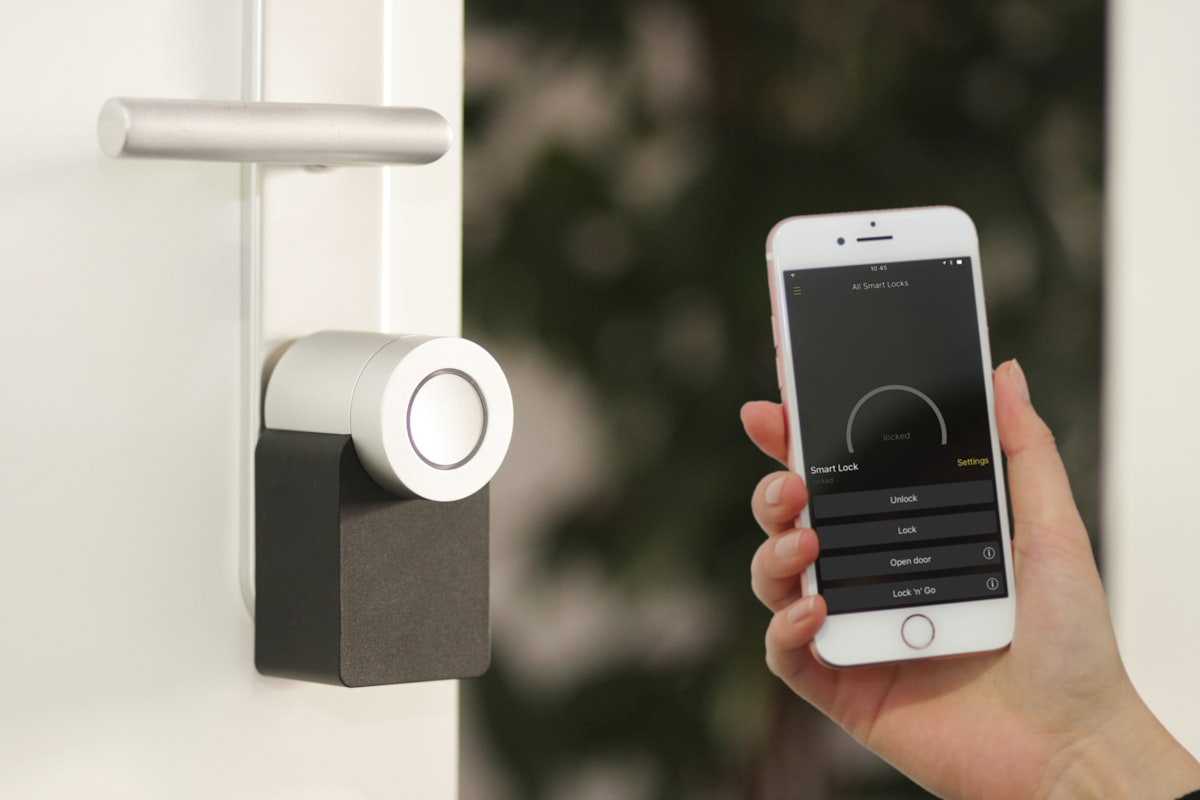
| Smart lock | Z-Wave/Zigbee/BLE | Various | 1-10 mW | Very low |
| Video doorbell | WiFi | 2.4/5 GHz | 50-200 mW | High — often streams continuously |
The pattern: Contact sensors and motion detectors are negligible EMF sources — they transmit tiny bursts for fractions of a second. The hub/base station and video doorbell are the main RF contributors.
Low-EMF alarm strategy:
- Choose Z-Wave sensors over WiFi sensors (lower power, shorter duty cycle)
- Place the base station away from bedrooms and main living areas
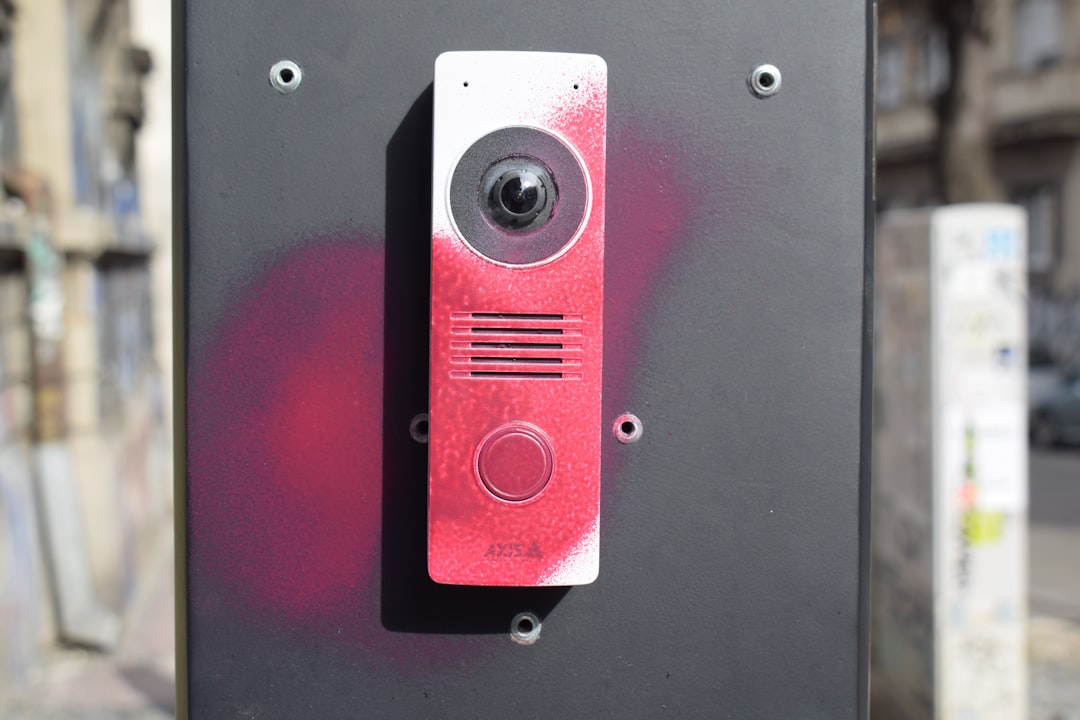
- Use a wired video doorbell (PoE options: Amcrest, Reolink) instead of WiFi
- Skip indoor cameras or use wired PoE for indoor monitoring
The Low-EMF Home Security Playbook
Step 1: Assess What You Actually Need
Before buying anything, ask yourself:
- What am I protecting against? Package theft → doorbell camera. Break-ins → door sensors + outdoor cameras. General monitoring → full system.
- Where do I need coverage? Outdoor perimeters only? Or indoor monitoring too?
- Do I rent or own? Renters need wireless/battery options. Owners can run cables.
- What’s my budget? PoE costs more upfront but saves on subscriptions long-term.
Step 2: Choose Your Architecture
For homeowners (recommended):
- PoE cameras for all fixed positions (outdoor corners, garage, driveway, front door)
- Z-Wave door/window sensors for entry points
- Battery camera for any temporary/seasonal monitoring needs
- No cameras inside bedrooms or nurseries
For renters:
- Battery-powered motion-activated cameras at entry points
- Z-Wave/Zigbee door sensors (adhesive mount, no drilling)
- Video doorbell (battery or plug-in)
- Avoid indoor cameras in living spaces
Step 3: Optimize Camera Placement
EMF-conscious placement rules:
- Never put a WiFi camera in a bedroom — you spend 8 hours there, and the camera transmits nonstop
- Never put a WiFi camera in a nursery — children absorb 2-3x more RF than adults. Use a wired baby monitor or PoE camera instead
- Outdoor cameras > indoor cameras — monitoring approaches to your home is more effective than monitoring rooms anyway
- Ceiling height > eye level — if you must use WiFi cameras indoors, ceiling-mounted is farther from occupants than shelf-mounted
- Entry points, not living spaces — front door, back door, garage door, basement windows. Not the kitchen, living room, or office.
Step 4: Reduce RF from Existing Systems
Already have Ring, Nest, or Wyze cameras? These steps reduce exposure without replacing equipment:
- Disable cameras in bedrooms — use them only as outdoor/entry cameras
- Switch to event-only recording — stops continuous streaming
- Use 2.4 GHz instead of 5 GHz — lower frequency, better wall penetration means the camera can use lower transmit power
- Reduce video quality to 1080p — lower bitrate = less continuous transmission
- Turn off two-way audio standby — removes the always-listening microphone connection
- Schedule cameras off at night (indoor only) — many apps support schedules. If you’re home and asleep, indoor cameras don’t need to be active.
- Move cameras farther from occupied spaces — the inverse square law means doubling distance cuts exposure by 75%
Cost Comparison: WiFi vs. PoE vs. Battery

| Factor | WiFi System (Ring) | PoE System (Reolink) | Battery (Blink) |
|---|---|---|---|
| 4-camera cost | $300-500 | $250-400 | $200-350 |
| Monthly subscription | $13-18/mo | $0 (local storage) | $3-10/mo |
| 5-year total cost | $1,080-1,580 | $250-400 | $380-950 |
| Installation | Plug-in, 5 min/camera | Cable run, 1-4 hrs total | Battery mount, 5 min |
| EMF output | High (24/7 WiFi) | Zero (wired) | Low (motion only) |
| Reliability | Depends on WiFi | Excellent | Good (battery life) |
| Video quality | Good | Best (no compression) | Good |
| Works offline | No | Yes (local NVR) | No |
The math: PoE systems are cheaper over 5 years and produce zero RF. The only downside is the initial cable run — which most DIYers can handle in an afternoon with a drill, some cable clips, and a YouTube tutorial.
Special Situations
Nursery and Children’s Rooms
Recommendation: Do not use WiFi cameras in children’s rooms. Period. Children’s developing brains absorb significantly more RF energy than adults, and a camera streaming 24/7 at 3 feet from their crib is one of the highest-exposure scenarios in a typical home.
Alternatives:
- PoE camera — zero RF, same video quality, requires one Ethernet run
- Audio-only monitor — DECT monitors with VOX (voice-activated) transmit intermittently and at lower power
- Wired baby monitor — see our complete low-EMF baby monitor guide
Home Office
If you work from home 8+ hours/day, your office is effectively a second bedroom in terms of EMF exposure duration.
- Skip indoor cameras in the office
- If you need security footage: PoE camera pointing at the office door/window from outside, or a ceiling-mounted PoE camera
- Keep the NVR/base station in a different room
Rental Properties
If you manage rental properties and want security:
- Battery cameras at entries (respect tenant privacy — exterior only)
- PoE cameras for common areas in multi-unit buildings
- Never install always-on cameras inside units
Frequently Asked Questions
Do PoE cameras produce any EMF at all?
PoE cameras produce negligible ELF magnetic fields from the Ethernet cable (typically <0.1 mG at 6 inches — well below any guideline). They produce zero RF radiation because there’s no wireless radio. If a PoE camera also has WiFi capability, make sure to disable the WiFi radio in settings after connecting via Ethernet.
Can I convert my existing WiFi cameras to wired?
Some cameras (like certain Reolink and Amcrest models) support both WiFi and Ethernet. Check if your camera has an Ethernet port — if so, connect the cable, disable WiFi in settings, and you’ve eliminated the RF. Most Ring/Nest/Wyze cameras do not have Ethernet ports and cannot be converted.
What about cellular backup cameras?
Cameras with LTE cellular backup (like some Ring and SimpliSafe models) only activate the cellular radio when your internet goes down. During normal operation, they use WiFi. The cellular radio is typically higher power (200-600 mW) but rarely active. This is a reasonable tradeoff for security — just ensure the camera isn’t in a bedroom.
Are video doorbells a big EMF source?
Yes — video doorbells are among the highest-EMF security devices because they (a) maintain always-on WiFi, (b) stream whenever someone approaches, and (c) are positioned at head height near your front door. PoE doorbell alternatives exist from Amcrest ($60-80) and Reolink ($80-120). If you use a WiFi doorbell, the saving grace is that you don’t spend extended time next to your front door.
Do professional alarm systems (ADT, Vivint) use a lot of EMF?
The sensor components (door/window contacts, motion detectors) are very low EMF — tiny burst transmissions measured in milliseconds. The base station panel maintains a WiFi + cellular connection and is the main RF source. Place it in a utility area, not a bedroom. Professional monitoring requires this connection, so you can’t eliminate it, but its contribution is modest compared to WiFi cameras.
Is a completely wired home security system possible?
Yes. A PoE NVR system with wired door sensors (hardwired to an alarm panel) produces zero RF. This is how commercial buildings and high-security facilities have always done it. The technology is mature and reliable. The only wireless component most people choose to keep is a smartphone for alerts — but that’s your phone, not the security system.
The Bottom Line
Home security and low EMF aren’t mutually exclusive — you just need to choose the right technology. PoE wired cameras eliminate 100% of camera-related RF while delivering better video quality, more reliability, and lower long-term costs than WiFi systems.
The most impactful change: get WiFi cameras out of bedrooms and nurseries. Whether you replace them with PoE cameras or simply remove them, this single step eliminates hours of continuous RF exposure every night.
Not sure how much EMF your current system adds? Check your address on EMF Radar for a baseline assessment of your area’s RF environment, then use an EMF meter to measure what your cameras contribute indoors.