AirTag EMF Radiation: How Much Do Bluetooth Trackers Actually Emit?
Apple AirTags are everywhere. Clipped to keys, slipped into luggage, tucked inside kids’ backpacks. Tile trackers, Samsung SmartTags, and a growing ecosystem of Bluetooth-based finders have made it almost trivial to track your stuff.
But every one of these devices is a tiny radio transmitter. It’s broadcasting a signal — constantly — from your pocket, your child’s bag, or your pet’s collar. So how much EMF radiation does an AirTag actually produce? Should you worry about a device you carry all day, every day?
Let’s look at the numbers.
How AirTags and Bluetooth Trackers Work
Before we talk about EMF levels, it helps to understand what these devices are actually doing.
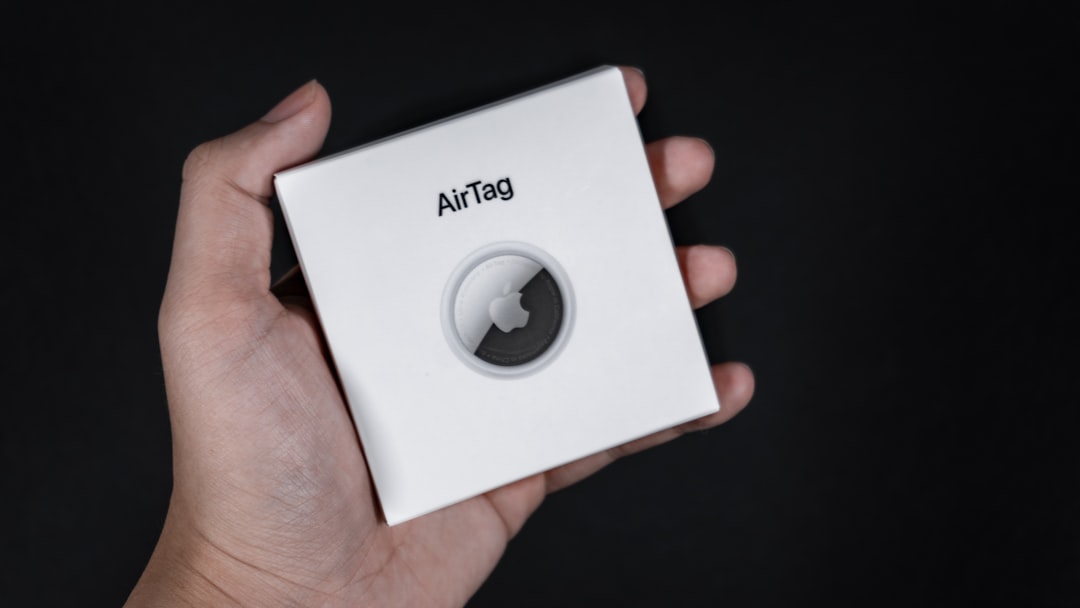
An AirTag doesn’t use WiFi. It doesn’t use cellular data. It uses Bluetooth Low Energy (BLE) — a stripped-down version of the Bluetooth protocol designed specifically for low-power, intermittent communication.
Here’s the cycle:
- The AirTag broadcasts a short Bluetooth signal — a tiny “ping” every 1–2 seconds
- Nearby Apple devices (iPhones, iPads, Macs) pick up that signal
- Those devices anonymously relay the AirTag’s location to Apple’s Find My network
- You see the location in your Find My app
The key word is intermittent. An AirTag isn’t streaming data like your phone during a video call. It’s sending brief, low-power bursts — each lasting just a few milliseconds.
Apple’s Ultra Wideband (UWB) chip also activates during Precision Finding, but only when you’re actively searching for the AirTag from close range. The rest of the time, it’s just BLE pings.
The Actual Power Levels
This is where it gets interesting — and where the numbers tell a very clear story.
Bluetooth Low Energy (BLE) Power Output
| Specification | Value |
|---|---|
| Frequency | 2.402–2.480 GHz (ISM band) |
| Max transmit power (BLE) | 10 milliwatts (10 dBm) — Class 2 |
| Typical AirTag transmit power | ~1–4 milliwatts |
| Duty cycle | < 1% (transmitting < 1% of the time) |
| Average power output | ~0.01–0.04 milliwatts |
That last number is the important one. Because the AirTag only transmits for a few milliseconds every couple of seconds, the average power output is roughly 0.01 to 0.04 milliwatts. That’s 10 to 40 microwatts.
How Does That Compare?
Here’s where context matters:
| Device | Peak Transmit Power | Typical Use Power |
|---|---|---|
| AirTag / Tile tracker | 1–4 mW | ~0.01–0.04 mW average |
| Bluetooth earbuds | 1–10 mW | ~0.5–2 mW during audio |
| WiFi router | 100–1,000 mW | 50–200 mW average |
| Cell phone (call) | 200–2,000 mW | 50–600 mW average |
| Cell phone (5G) | up to 200 mW | 10–100 mW average |
| Microwave oven (leakage at 5 cm) | ~5,000 mW/m² | — |
| Cell tower (at 100m) | — | ~0.001–0.01 mW/cm² |
An AirTag’s average output is roughly 10,000 to 50,000 times weaker than a cell phone during a call. It’s even weaker than the WiFi signal your router is pumping out 24/7.
Check your EMF exposure
See cell towers, power lines, and substations near any US address.
Search Your AddressWhat About SAR?
SAR (Specific Absorption Rate) measures how much RF energy your body absorbs from a device. The FCC limit is 1.6 W/kg for devices used near the body.
Here’s the thing: AirTags don’t even require individual SAR testing.
The FCC exempts devices from SAR testing when they transmit below certain power thresholds — specifically, when the device operates at low enough power levels that it’s physically impossible to exceed SAR limits regardless of how close it is to your body. BLE devices like AirTags fall well below this threshold.
Apple does publish RF exposure information for AirTags, and they comply with all FCC and international limits by a very wide margin. The power levels are simply too low to produce meaningful tissue heating — which is the mechanism SAR is designed to measure.
For comparison:
- iPhone SAR: 0.98–1.19 W/kg (near the FCC limit)
- AirTag equivalent: orders of magnitude below measurable SAR thresholds
The “But What About Non-Thermal Effects?” Question
This is where the conversation gets more nuanced.
The FCC and ICNIRP safety limits are based on thermal effects — can this device heat your tissue? At AirTag power levels, the answer is unambiguously no.
But a growing body of research explores whether RF radiation might have biological effects below the thermal threshold. Studies have looked at:
- Oxidative stress — some cell studies show increased reactive oxygen species at low RF levels (Yakymenko et al., 2016)
- Blood-brain barrier permeability — animal studies with mixed results at various frequencies (Salford et al., 2003)
- Melatonin disruption — some evidence that 2.4 GHz exposure may affect sleep hormones (Hung et al., 2007)
However, most of these studies used power levels significantly higher than what a BLE device produces, and many have not been replicated. The BioInitiative Report — which takes a precautionary stance — focuses primarily on WiFi, cell phone, and cell tower exposures, not on the ultra-low power levels of Bluetooth trackers.
The honest assessment: At current BLE power levels, there is no published research showing health effects from Bluetooth tracker-type devices specifically. The exposure is too low and too intermittent for most proposed non-thermal mechanisms to apply.
That said, the precautionary principle suggests minimizing unnecessary exposure where practical — which we’ll cover below.
Bluetooth Earbuds: A Bigger Question
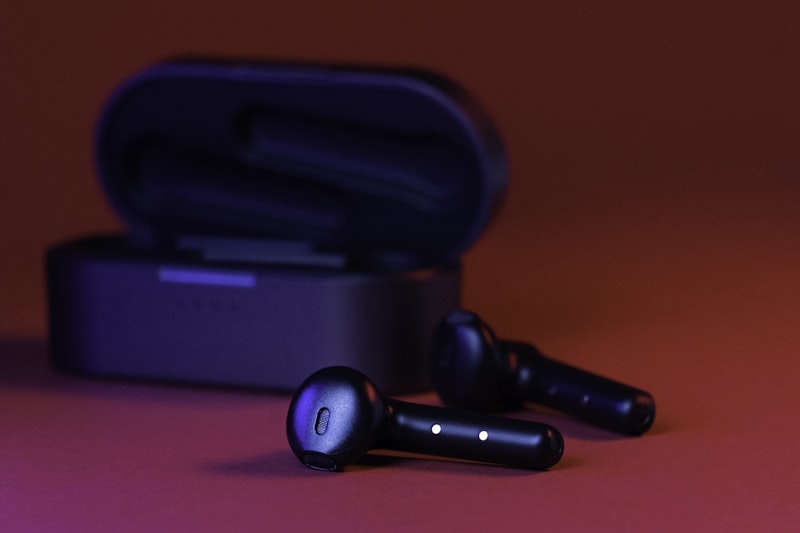
If you’re concerned about AirTags, you should probably be more concerned about Bluetooth earbuds.
Here’s why:
- Higher power — earbuds transmit at 1–10 mW continuously during audio streaming, vs. the AirTag’s intermittent micro-watt pings
- Right next to your brain — earbuds sit inside or on your ear canal, millimeters from brain tissue
- Hours of use — many people wear them 4–8 hours per day
- Cumulative exposure — the combination of power, proximity, and duration makes earbuds the highest Bluetooth exposure source for most people

A pair of AirPods streaming music delivers roughly 50–200 times more cumulative RF exposure than an AirTag in your pocket over the same time period.
In 2019, a petition signed by 250 scientists from 40+ countries expressed concern to the WHO and UN about the health effects of non-ionizing electromagnetic fields, specifically calling out wireless earbuds as a potential concern due to their proximity to the brain.
This doesn’t mean earbuds are dangerous — the science isn’t settled — but if you’re going to worry about Bluetooth EMF, earbuds are where the actual exposure is.
Other Bluetooth Devices Ranked by Exposure
Not all Bluetooth is created equal. Here’s how common Bluetooth devices compare in terms of your actual RF exposure:
Higher Exposure (relatively)
- Bluetooth earbuds / headphones — continuous transmission, head proximity
- Smartwatches (Apple Watch, Fitbit, Garmin) — constant skin contact, BLE + WiFi + sometimes cellular
- Bluetooth speakers — higher power for audio streaming, but typically farther from body
Lower Exposure
- Bluetooth keyboards / mice — intermittent, farther from body
- AirTags / Tile / SmartTag — ultra-low power, intermittent pings
- Bluetooth thermometers / scales — transmit only during measurement
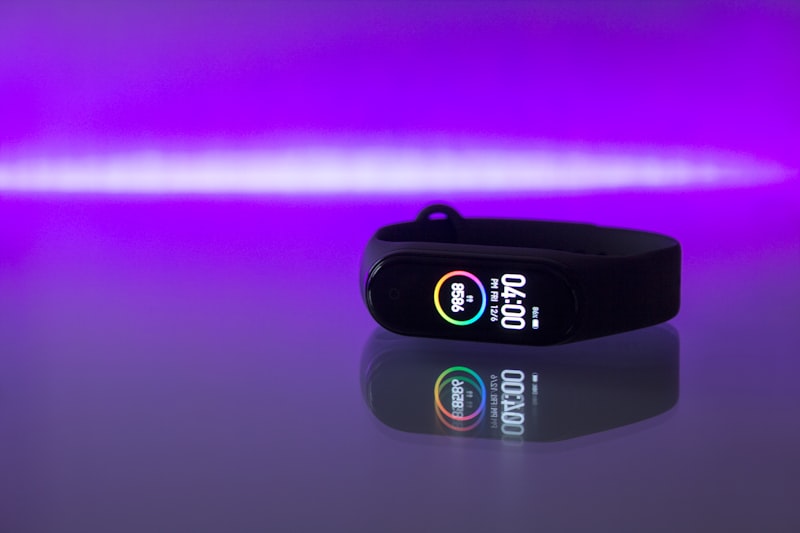
Smartwatches Deserve Special Mention
A smartwatch like the Apple Watch is a much more significant EMF source than an AirTag:
- BLE for phone connection (always on)
- WiFi for data when phone is out of range
- Cellular (LTE models) — same frequencies as your phone
- Heart rate sensor (green LED, not RF — but constant skin contact)
- Worn 16+ hours/day directly on skin
The Apple Watch has an actual SAR rating (wrist-worn: ~0.3 W/kg). An AirTag doesn’t need one.
Practical Recommendations
Even though AirTag-level Bluetooth exposure is extremely low, here’s a sensible approach based on the precautionary principle:
For AirTags and Trackers
- Don’t stress about them. The exposure is genuinely negligible — well below any level shown to cause biological effects in any published research.
- Don’t put them directly against skin if you prefer not to — clip them to a bag, keychain, or luggage tag rather than wearing them as a pendant against your chest.
- Children’s items are fine — a tracker in a backpack is feet away from the body. The peace of mind of knowing where your kid’s bag is likely outweighs any theoretical concern.
For Bluetooth Earbuds (The Bigger Question)
- Use speaker mode or wired headphones when practical — especially for long calls
- Take breaks — don’t wear earbuds 8 hours straight if you can avoid it
- Use one earbud at a time — halves your head exposure
- Consider over-ear headphones — slightly more distance from your ear canal than in-ear buds
- Air-tube headphones exist if you want maximum caution — they use a hollow tube for the last few inches, so no electronics near your ear
For Smartwatches
- Airplane mode at night — reduces overnight exposure while still tracking sleep via accelerometer
- Disable cellular if you don’t need it — WiFi + BLE only when your phone is nearby
- Wear it loosely — a small air gap reduces absorption
For Your Whole Bluetooth Ecosystem
Check how many Bluetooth devices are active in your home using our cell tower map to understand your local RF environment, and read our guide on reducing EMF at home for a complete strategy.
The Bottom Line
AirTags produce negligible EMF radiation. We’re talking about 0.01–0.04 milliwatts average — tens of thousands of times less than your cell phone. There is no published evidence that this level of exposure poses any health risk.
If you’re EMF-conscious, your priorities should be:
- Cell phone use — by far your biggest personal RF exposure source
- WiFi router placement — especially in bedrooms (WiFi safe distance guide)
- Bluetooth earbuds — the highest Bluetooth exposure for most people
- Smartwatches — constant skin contact, multiple radios
- Everything else — including AirTags, which rank near the bottom
The fact that you’re thinking about this at all means you’re already more informed than most. Focus your energy where the exposure actually is — not on the device that transmits less power than a Christmas tree light bulb uses.
Want to see what cell towers and antennas are near your home? Check your address on EMF Radar for a free EMF environment report.