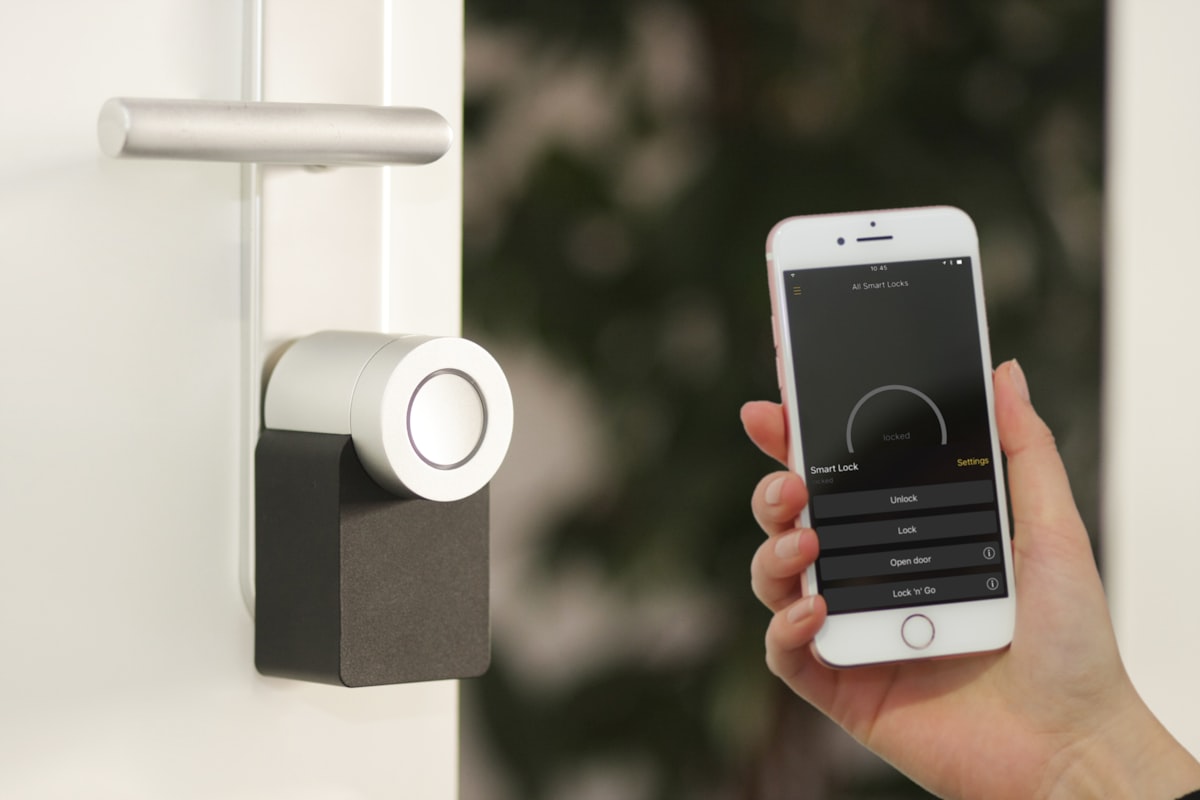
A thermostat is the one connected device in the house whose location nobody chose. It sits where the builder ran the wire — usually a hallway, sometimes the wall of a bedroom that happened to be convenient in 1994. You can move a router. Moving a thermostat means moving low-voltage cable through a wall.
That makes it worth knowing what is actually in the box before you decide whether the location is a problem. And what is in the box changed recently: Google’s newer Nest thermostats and ecobee’s top model now carry radar sensors for presence detection, which puts a radar transmitter on the wall in a lot of American hallways.
The short version is that the radios are among the quietest in the house, the radar is stranger than it sounds and still very small, and the part of a smart thermostat install most worth your attention has nothing to do with RF at all.
What Is Actually Inside the Box
Different from a router in one important way: a thermostat has almost nothing to say. It reports a temperature, receives a schedule, and pulls a firmware update now and then. The hardware reflects that.
| Radio | What it does | When it transmits |
|---|---|---|
| WiFi (2.4 / 5 GHz) | Cloud connection, app control, updates | Continuously associated; low data volume |
| Bluetooth LE | Setup and pairing | Briefly during installation |
| Thread (model-dependent) | Smart-home interoperability | Low-power mesh, periodic |
| 60 GHz radar (Nest Thermostat 2020, Nest Learning 4th gen) | Presence detection for the display | Short pulses, duty-cycle capped |
Google’s published specifications for the fourth-generation Nest Learning Thermostat list WiFi 802.11n on 2.4 and 5 GHz — a deliberately modest radio by 2026 standards, generations behind the router it connects to. Google’s documentation also notes that Nest products use Bluetooth LE briefly during installation rather than as a running link. The thermostat is Matter-certified. ecobee’s Smart Thermostat Premium is a similar picture: WiFi and Bluetooth, plus Thread hardware for smart-home interoperability — and a built-in radar occupancy sensor of its own.
Our smart home EMF guide ranks thermostats in its lowest emitter tier, around 0.10 V/m at one meter — below smart speakers, cameras, and anything with a video feed. That ranking is the correct starting intuition, and the rest of this piece is about the two places it needs qualifying.
The 60 GHz Radar Nobody Mentions
Google’s newer Nest thermostats — the 2020 Nest Thermostat and the fourth-generation Nest Learning Thermostat — use a Soli radar chip for presence detection: it senses that someone has walked up and wakes the display, without a camera and without recognizing who you are. Google has used the same sensor family in phones and speakers.
People who find this out tend to react to the word “radar.” Worth separating what is genuinely unusual about it from what is actually large.
What the rules permit
Soli-class sensors operate in the 57–64 GHz band, and the FCC set the ceiling for them through a waiver process that produced unusually specific numbers. The parameters permitted for these sensors are 10 dBm peak conducted output power, 13 dBm peak EIRP, and a maximum 10% duty cycle in any 33-millisecond interval — limits the FCC aligned with the European ETSI standard for the band, and which it later worked into a broader rulemaking on 60 GHz radar sensors.
Thirteen dBm EIRP is about 20 milliwatts, at peak, for at most a tenth of the time. A WiFi access point runs several times higher than that, continuously. A phone on a weak cellular signal can run two orders of magnitude higher, pressed against your head. Those ceilings describe what the sensor class is licensed to do rather than a measurement of your specific thermostat, but they bound the problem tightly, and the bound is low.
Why millimeter waves are a strange case
Here is the part that deserves care rather than reassurance. Sixty gigahertz behaves nothing like WiFi in tissue. Measurements in the millimeter-wave literature put the penetration depth in skin at roughly 0.5 mm at 60 GHz — the energy is absorbed in the epidermis and essentially none of it reaches the dermis, let alone anything below.
That cuts both ways, and the research says so plainly. Essentially none of this energy reaches your organs, brain, or a fetus, which is a real difference from the lower-frequency exposures most EMF concern is built around. But because the energy is deposited in such a thin layer, the local absorbed power density for a given incident power density is higher than it would be at 2.4 GHz — which is exactly why ICNIRP’s 2020 revision introduced a separate surface-based metric for frequencies above 6 GHz instead of extending the whole-body rules upward.
So the honest summary: a novel exposure type, deposited superficially, from a transmitter capped at tens of milliwatts and pulsing a fraction of the time, mounted on a wall you walk past. The physics is interesting. The magnitude is not.
If the sensor bothers you anyway, the display-wake behavior is adjustable in the thermostat’s own settings, and the third-generation Nest Learning Thermostat has no radar at all. ecobee’s Smart Thermostat Premium carries a radar occupancy sensor too, so check the spec sheet of any model you are considering.
Check your EMF exposure
See cell towers, power lines, and substations near any US address.
Search Your AddressA Thermostat Is Not a Router
The duty-cycle question is where thermostats separate from the rest of the smart home, and it is the reason the tier ranking holds.
A router is a bidirectional pipe carrying video for hours. A thermostat sends a few hundred bytes about the temperature, receives a schedule change, and otherwise maintains its association with the access point. The WiFi radio is not idle — an associated client still exchanges management frames, and our mesh WiFi piece covers why “we barely use it” never means a silent radio. But the difference between maintaining a link and saturating one is large, and it is why a thermostat measures closer to a smart plug than to a streaming device.
This is also why the comparison people reach for — the smart meter — is the wrong one. Mesh utility meters transmit in short, high-power bursts on a schedule set by the utility, sometimes many times an hour, and you have no control over any of it. A thermostat is a low-power client on your own network, on a wall inside your house, with an app you control.
The 20 Centimeter Line
The most useful verified number for a thermostat comes from Google’s own paperwork rather than from any measurement study. The safety and regulatory guide for Nest thermostats states that to comply with FCC RF exposure requirements, a distance of at least 20 cm should be maintained between the antenna of this device and persons during device operation, with matching language for the Canadian requirement.
That figure is a certification boundary, not a hazard threshold. Devices tested for fixed installation are certified on the assumption that nobody is pressed against them, and 20 cm is the standard dividing line for that category — the same one that appears in the manuals of most wall- and shelf-mounted gear.
What makes it useful is that a thermostat clears it by default. It is on a wall, at chest height, in a corridor. Unless you are standing at it adjusting the schedule, you are several times past the manufacturer’s stated distance, and the falloff over those meters is steep.
The Placement Question Is Really About the Sensors
If a thermostat is going to end up close to someone for hours, it will not be the thermostat. It will be the remote sensor.
Nest Temperature Sensors and ecobee SmartSensors are the accessory nobody thinks of as a radio: small battery-powered pucks you scatter in the rooms you actually care about so the system stops heating to a hallway reading. They talk to the thermostat wirelessly, they run on coin cells for years, and people put them exactly where the thermostat is not — on a nightstand, on a nursery shelf, on a desk.
These are low-duty-cycle devices reporting a temperature every few minutes, so this is a small effect. But it is the one placement in the whole system where a transmitter routinely lands within arm’s reach of a sleeping person, and it is trivially fixable: put the sensor on a dresser or a shelf across the room instead of on the nightstand. The room’s temperature is the same six feet away. Your distance from the radio is not.
The same logic applies if your thermostat genuinely is on a bedroom wall. You are unlikely to be able to move it, but you can usually move the bed, and a headboard on a different wall is a free change.
The C-Wire Problem, Which Is Not About RF
Here is the part of a smart thermostat install worth more attention than the radios, and it almost never comes up in EMF discussions.
Smart thermostats need continuous power. The clean way to supply it is a C-wire — the common wire that completes a circuit back to the HVAC transformer. Plenty of older homes never had one run. When a Nest is installed without a C-wire, it keeps its internal battery charged by power stealing: it draws a small current through the heating or cooling circuit, pulsing the relay briefly without engaging the equipment.
The documented consequences are mechanical, and installers and HVAC technicians attest to them consistently: relay chatter, phantom clicking, and on sensitive systems short cycling, where the trickle trips the furnace on and off in a loop. Those are equipment problems, not exposure findings.
The EMF-adjacent version of the concern is that power stealing means deliberately introduced switching transients on low-voltage wiring in your wall. Nobody has published measurements on what that contributes to the higher-frequency noise our dirty electricity guide covers, and I will not assert a figure that does not exist. What can be said is narrower and still useful: it is a mechanism with a known workaround, and the workaround is the correct installation anyway.
If your thermostat has no C-wire, the fixes are, in order of preference: run a C-wire if the cable has an unused conductor, install an add-a-wire adapter at the air handler, or use the manufacturer’s power connector accessory. Any HVAC technician can do this in under an hour, and your furnace will thank you regardless of what you believe about EMF.
Checking Your Own Wall
Everything above is a claim about a device class. Your wall is a specific question, and it takes ten minutes to answer.
An RF meter held at the thermostat and then at the distances you actually occupy — the doorway, the couch, the head of the bed on the far side of that wall — shows the falloff directly, and it will usually show the thermostat vanishing into the background of your own WiFi before you have crossed the room. Our guide to measuring EMF at home covers technique, including the peak-versus-average distinction that matters for a pulsed emitter, and the meter comparison covers what to buy if you do not own one.
If the reading near the thermostat is high enough to be interesting, the likeliest explanation is whatever else is on or behind that wall.
Frequently Asked Questions
Does a Nest thermostat emit radiation? Yes, in the same sense that every connected device does: it maintains a WiFi link on 2.4 or 5 GHz, uses Bluetooth LE during setup, and on the 2020 Nest Thermostat and the fourth-generation Learning Thermostat runs a 60 GHz radar sensor for presence detection. The output is low by smart-home standards — our device ranking puts thermostats in the lowest tier, around 0.10 V/m at one meter — mainly because a thermostat sends very little data compared with anything carrying audio or video.
Is it safe to have a smart thermostat near a bedroom? Google’s own regulatory guidance asks for 20 cm between the device and people, and a wall-mounted thermostat clears that by default even through a shared wall. If the thermostat sits on a bedroom wall and it bothers you, moving the bed to a different wall is easier than relocating the wiring. The remote temperature sensor is the accessory more worth relocating, since those routinely end up on nightstands.
What is the Soli radar in the Nest thermostat, and should I worry about it? It is a short-range 60 GHz radar that detects someone approaching so the display can wake, with no camera and no identification of individuals. Sensors in this class are capped at roughly 20 milliwatts peak EIRP with a duty cycle under 10%, and 60 GHz energy penetrates only about half a millimeter into skin, so nothing reaches deeper tissue. The display-wake behavior can be adjusted in the thermostat’s settings, and the third-generation Nest Learning Thermostat has no radar at all. ecobee’s Smart Thermostat Premium has a radar occupancy sensor of its own.
Can I use a smart thermostat with the WiFi turned off? Only partly. The thermostat keeps controlling your heating and cooling from the schedule already stored on it, but app control, remote changes, weather-based adjustment, and updates all stop, which removes most of the reason to own one. If the radio is the sticking point, a conventional 7-day programmable thermostat gives you the scheduling benefit with no transmitter at all — at the cost of remote control and the learning behavior. That is a genuine tradeoff rather than a free win.
Does a thermostat without a C-wire cause EMF problems? It causes documented HVAC problems — relay chatter and short cycling on sensitive systems — because the thermostat pulses the heating circuit to charge its battery. Whether that contributes meaningfully to high-frequency noise on your building wiring has not been measured, so treat claims in either direction with suspicion. Adding a C-wire or an adapter eliminates the pulsing and is the correct installation regardless.