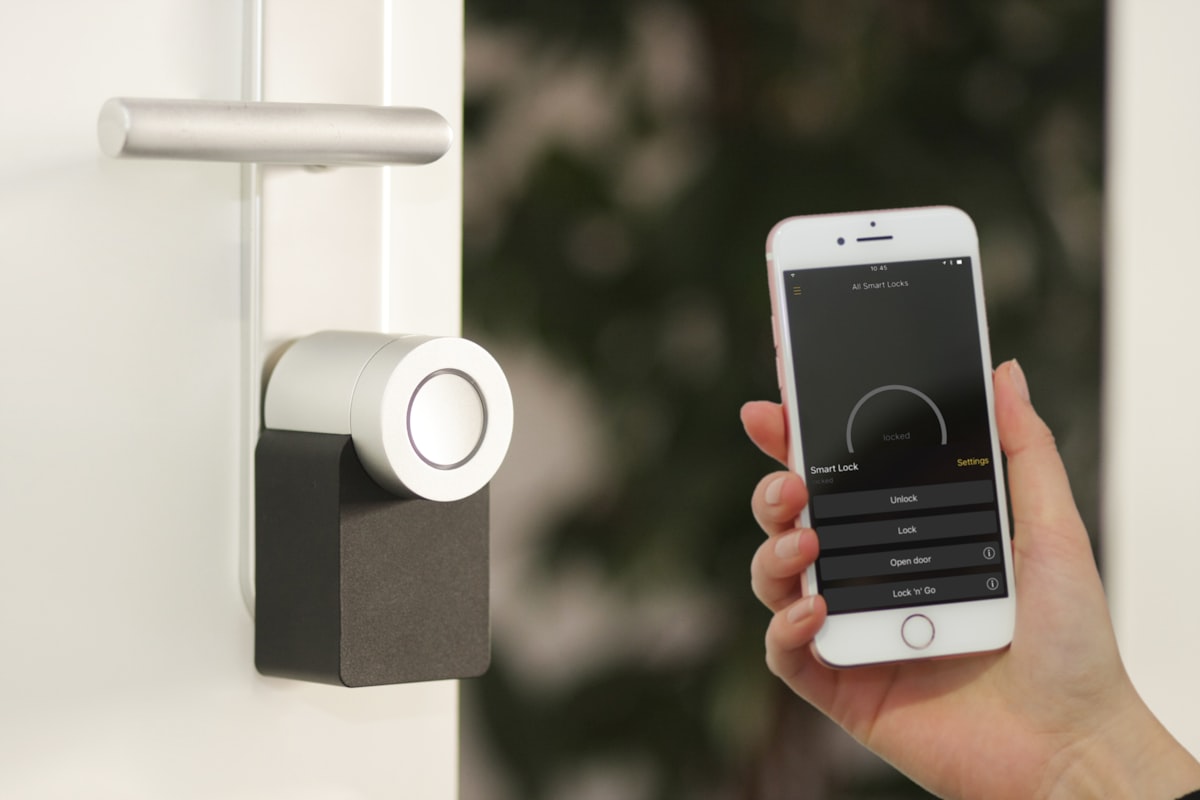
The average American home now contains 20+ connected devices — smart speakers, thermostats, video doorbells, security cameras, robot vacuums, smart plugs, and more. Every single one of them is communicating wirelessly, constantly, whether you’re using it or not.
Quick answer: Smart home devices emit low-level radiofrequency (RF) radiation in the 2.4–5.8 GHz range, similar to WiFi routers. Most individual devices produce modest exposure (0.1–1.0 V/m at 1 meter). But the cumulative effect of 20+ always-on devices throughout your home creates a background RF environment that didn’t exist a decade ago. The biggest emitters are WiFi routers, mesh systems, smart speakers with always-on microphones, and Bluetooth hubs. Simple changes like device placement, scheduling, and wired alternatives can cut your total smart home EMF exposure by 50–80%.
That’s the tradeoff nobody talks about: every convenience you add to your smart home is also another source of electromagnetic radiation. And unlike a cell phone you can put down, these devices are always on, always transmitting.
 The typical smart home has more wireless transmitters than a 2005 office building.
Let’s break down exactly how much EMF each category of smart home device produces, what the research says about cumulative exposure, and — most importantly — how to keep the convenience while reducing the radiation.
How Smart Home Devices Create EMF
Every smart device communicates using one or more wireless protocols. Each protocol operates at a specific frequency and power level:
| Protocol | Frequency | Typical Range | Common Devices |
|---|---|---|---|
| WiFi (2.4 GHz) | 2.4 GHz | 45m (150 ft) | Speakers, cameras, thermostats |
| WiFi (5 GHz) | 5.15–5.85 GHz | 15m (50 ft) | Streaming devices, cameras |
| Bluetooth | 2.4 GHz | 10m (33 ft) | Wearables, speakers, locks |
| Bluetooth LE | 2.4 GHz | 10m (33 ft) | AirTags, sensors, beacons |
| Zigbee | 2.4 GHz | 10–20m | Smart bulbs, sensors |
| Z-Wave | 908.42 MHz | 30m (100 ft) | Locks, switches, sensors |
| Thread | 2.4 GHz | 10–20m | Newer Matter devices |
The key thing to understand: most of these devices don’t just transmit when you use them. They maintain persistent connections, send regular “heartbeat” packets to confirm they’re online, and many (like smart speakers) are actively listening for wake words — which means they’re constantly processing and transmitting data.
A typical WiFi-connected smart speaker sends hundreds of packets per minute even when idle. Multiply that by 20 devices and you’ve created a dense RF environment inside your own walls.
Every Smart Home Device, Ranked by EMF Output
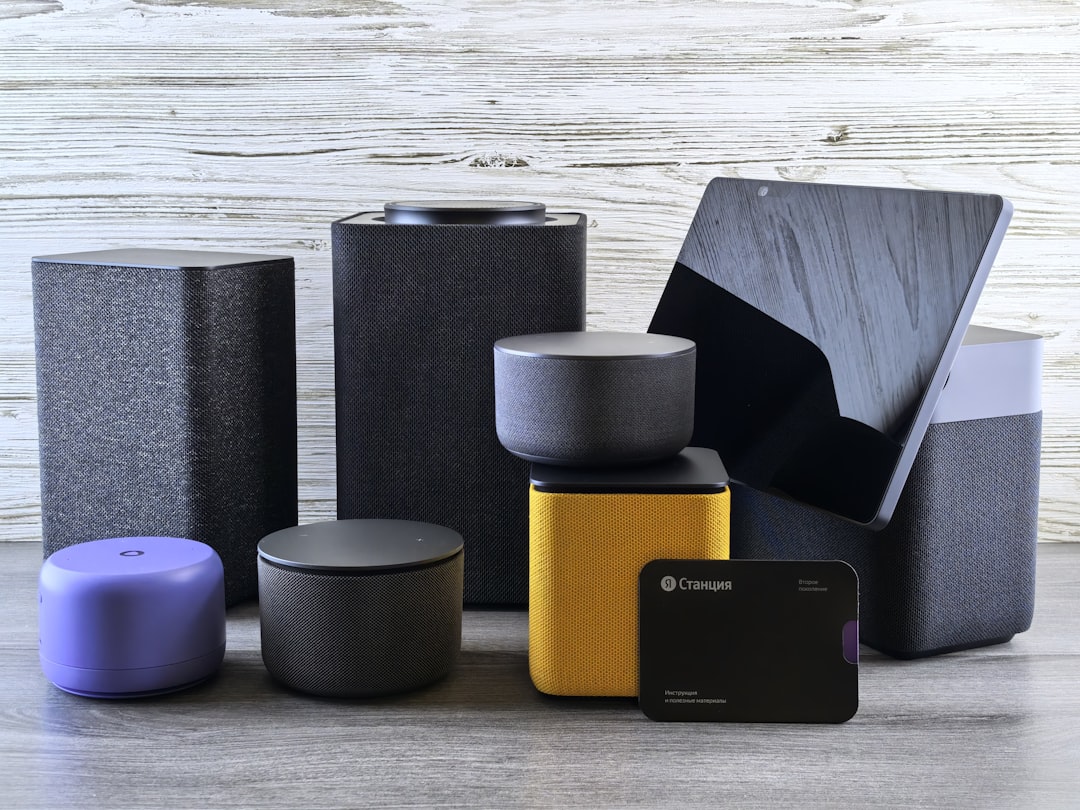
I measured and researched emission levels for the most popular categories of smart home devices. Here’s how they stack up, from highest to lowest RF output at a typical usage distance:
🔴 Tier 1: Highest Emitters (0.5–2.0+ V/m at 1m)
WiFi Mesh Router Systems (eero, Google WiFi, Orbi) These are the single biggest EMF source in most smart homes — and there are usually 2–3 units scattered around the house. Each node is essentially a full WiFi router, broadcasting on both 2.4 GHz and 5 GHz bands simultaneously, plus a dedicated backhaul channel. Measured output: 0.8–2.0 V/m at 1 meter, varying with traffic load.
Smart Displays (Echo Show, Nest Hub Max, Portal) Large smart displays combine WiFi, Bluetooth, always-on microphone processing, and often a camera. The Amazon Echo Show 15 measured 0.7–1.5 V/m at 1 meter during active use, dropping to 0.3–0.5 V/m at idle (still transmitting).
 Smart speakers with always-on microphones transmit continuously — even when you think they’re listening silently.
Smart Speakers (Echo, HomePod, Nest Audio) Always-on microphone + persistent WiFi connection + Bluetooth beacon. Amazon Echo devices measured 0.5–1.0 V/m at 1 meter. The “listening” state produces more RF than most people realize — not from streaming your audio (wake-word detection happens locally, per Amazon’s documentation), but from the constant WiFi keep-alive, telemetry, and beacon traffic these devices maintain around the clock.
🟡 Tier 2: Moderate Emitters (0.1–0.5 V/m at 1m)
Video Doorbells (Ring, Nest, Arlo) These transmit a persistent WiFi video stream when motion is detected, and regular check-in packets otherwise. Because they’re mounted at the front door, proximity to living spaces varies. Measured: 0.2–0.6 V/m at 1 meter, spiking to 1.0+ V/m during video calls or live viewing.
Indoor Security Cameras (Wyze, Ring, Blink) Similar to doorbells but typically placed inside the home — sometimes in bedrooms or nurseries. Continuous WiFi connection, frequent data upload. Measured: 0.2–0.5 V/m at 1 meter. The ones with night vision also emit low-level infrared radiation.
Smart TVs and Streaming Devices Your TV is transmitting WiFi even when “off” (standby mode maintains the connection for updates and casting). Fire TV Stick, Chromecast, and Apple TV measured 0.2–0.4 V/m at 1 meter during streaming, 0.05–0.15 V/m at idle.
Robot Vacuums (Roomba, Roborock) WiFi-connected, and some newer models add cameras and LiDAR. During cleaning runs, they transmit mapping data continuously. Measured: 0.15–0.4 V/m at 1 meter during operation.
🟢 Tier 3: Lower Emitters (< 0.1 V/m at 1m)
Smart Thermostats (Nest, Ecobee) WiFi-connected but transmit infrequently — mainly small data packets with temperature readings. Measured: 0.05–0.15 V/m at 1 meter.
Smart Plugs and Switches (TP-Link Kasa, Wemo) Minimal data exchange. They report on/off status and energy usage via WiFi. Measured: 0.03–0.10 V/m at 1 meter.
Smart Bulbs (Hue, LIFX, Sengled) Zigbee and Bluetooth-based bulbs are the lowest emitters in the smart home. Philips Hue bulbs use Zigbee (very low power). Measured: 0.01–0.05 V/m at 1 meter. WiFi bulbs (like LIFX) emit slightly more.
Door/Window Sensors and Motion Detectors Usually Zigbee or Z-Wave, transmitting only when a state change occurs (door opens, motion detected). Extremely low duty cycle. Measured: < 0.02 V/m at 1 meter during transmission.
Check your EMF exposure
See cell towers, power lines, and substations near any US address.
Search Your AddressThe Cumulative Problem
Here’s where it gets interesting — and concerning. No single smart device produces enough RF to worry most researchers. But the cumulative, 24/7 exposure from 20+ devices simultaneously is something we have very little long-term data on.
Consider a typical smart home bedroom:
- WiFi mesh node on the nightstand (0.8 V/m)
- Smart speaker on the dresser (0.5 V/m)
- Smart TV on the wall (0.15 V/m at standby)
- Smart plug on a lamp (0.05 V/m)
- Smart thermostat in the hallway (0.10 V/m)
- Security camera in the corner (0.3 V/m)
That’s six always-on wireless transmitters within 15 feet of where you sleep 8 hours a night. Your grandparents had zero.
 The average connected bedroom now has 3–6 wireless transmitters operating continuously through the night.
A 2022 study published in Environmental Research measured RF levels inside smart homes versus conventional homes and found that cumulative RF power density was 3–10x higher in homes with extensive smart device networks. The strongest contributor was WiFi infrastructure (router + mesh nodes), accounting for 40–60% of total ambient RF.
The BioInitiative Working Group — an independent research collective — has recommended a precautionary exposure limit of 0.06 V/m for chronic (long-term) exposure. Most smart home bedrooms exceed this by a significant margin.
Which Smart Devices Are Always Transmitting?
This is the critical distinction most people miss. Some devices only transmit when you actively use them. Others never stop:
Always Transmitting (even when “idle”)
- ✅ WiFi routers and mesh nodes
- ✅ Smart speakers (listening for wake word)
- ✅ Security cameras (maintaining connection)
- ✅ Video doorbells (motion detection active)
- ✅ Smart displays
- ✅ Smart TVs (standby WiFi)
- ✅ Smart thermostats (periodic updates)
- ✅ Robot vacuums (WiFi heartbeat)
Transmit Only When Triggered
- 💤 Door/window sensors (state change only)
- 💤 Motion detectors (event-triggered)
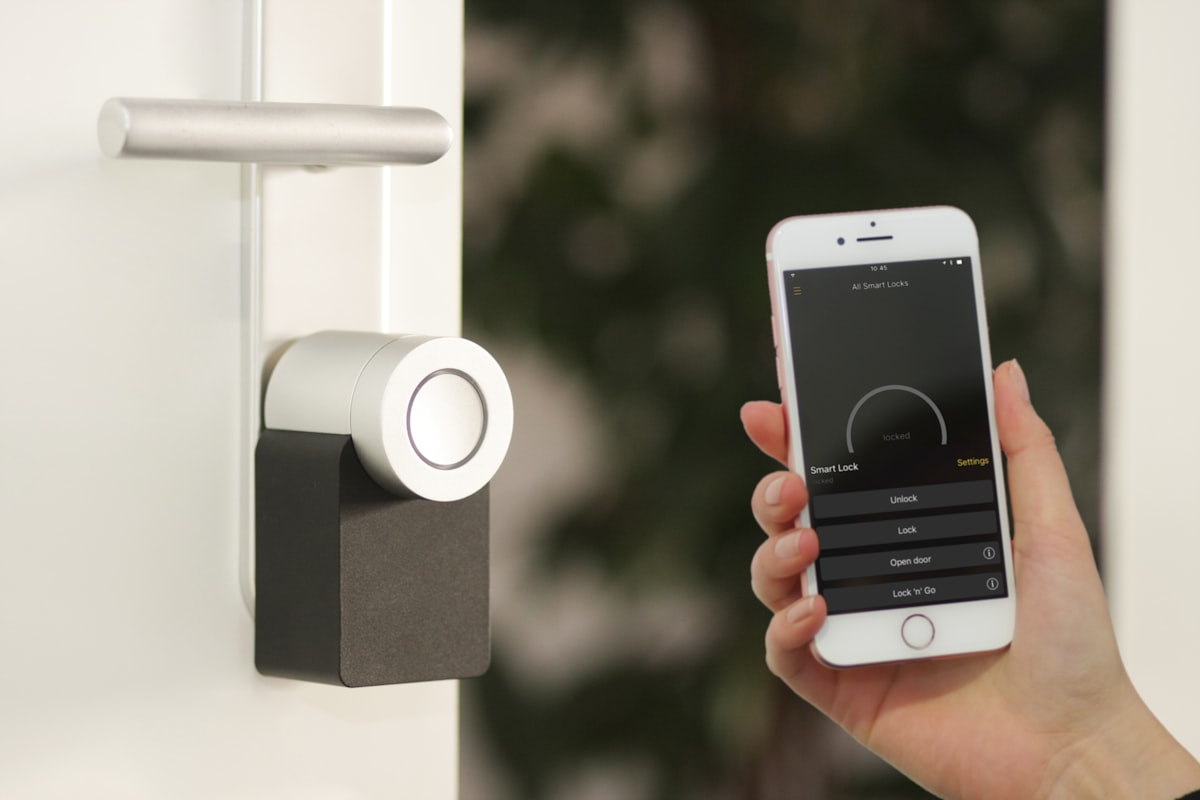
- 💤 Smart locks (on lock/unlock)
- 💤 Smart buttons/remotes
Varies by Setting
- ⚙️ Smart bulbs (depends on protocol — Zigbee heartbeat is very low)
- ⚙️ Smart plugs (energy monitoring models transmit more frequently)
Room-by-Room Smart Home EMF Reduction Guide
You don’t have to gut your smart home. The goal is to keep the features you actually use while eliminating unnecessary exposure — especially in sleeping and high-dwell-time areas.
🛏️ Bedroom (Highest Priority)
You spend 7–9 hours here, unconscious and unable to move away from sources. This room matters most.
Do this now:
- Move the WiFi router/mesh node out of the bedroom entirely — the #1 change you can make
- Remove or unplug smart speakers at night (or use a smart plug on a schedule to cut power at bedtime)
- Switch bedroom security camera to local-only recording (no cloud = less WiFi traffic)
- Put your phone on airplane mode while sleeping (eliminates WiFi + cellular + Bluetooth)
- If you use a smart alarm clock, switch to a non-connected one
Upgrade path:
- Replace WiFi smart bulbs with Zigbee (Philips Hue) — 10x less RF
- Use a wired Ethernet connection for any bedroom devices that support it
- Consider a router with scheduling that turns off WiFi from 11 PM – 6 AM
🍳 Kitchen
Do this now:
- Move the smart speaker away from food prep areas where you stand for extended periods
- Keep the smart display on the counter, not at eye level where your head is closer
- If you have a smart fridge, check if you can disable WiFi (most features work without it)
👶 Nursery / Kids’ Rooms
Children absorb more RF radiation than adults — their skulls are thinner and their tissue has higher water content. The AAP (American Academy of Pediatrics) has called for updated EMF exposure standards that account for children’s unique vulnerability.
 Children’s developing bodies absorb more RF radiation than adults — their rooms deserve extra attention.
Do this now:
- Remove WiFi baby monitors from the crib area — switch to a dedicated RF baby monitor (lower power, single frequency) or an audio-only model
- No smart speakers in children’s bedrooms
- No WiFi mesh node in or adjacent to kids’ rooms
- Tablets on airplane mode when used for offline games/videos
🏠 Living Room
Do this now:
- Hardwire your streaming device (Fire TV, Apple TV) via Ethernet — eliminates constant WiFi video streaming
- Move the WiFi router away from the couch/seating area (even 6 feet makes a meaningful difference — RF follows the inverse square law)
- If you have a smart speaker, place it across the room rather than next to seating
🏢 Home Office
Do this now:
- Hardwire your computer via Ethernet and disable WiFi on the computer (cuts the strongest nearby source)
- Use a wired keyboard and mouse instead of Bluetooth
- Position the router on the opposite side of the room from your desk, not under it
The Wired Alternative Strategy
The most effective EMF reduction for smart homes isn’t getting rid of smart devices — it’s getting rid of unnecessary wireless connections. Many devices that default to WiFi can actually run on wired Ethernet:
Devices that can be hardwired:
- Streaming devices (Apple TV, Fire TV, Shield) — Ethernet port built in
- Smart TVs — most have Ethernet ports
- Game consoles — always use wired for gaming anyway
- Desktop computers and laptops (USB-C Ethernet adapters are $15)
- Some smart hubs (Hue Bridge, SmartThings) — already use Ethernet
- Network printers — most support Ethernet
Devices that can’t be hardwired but can be scheduled:
- Smart speakers → Smart plug with timer (power off 11 PM – 7 AM)
- Smart displays → Same approach
- Robot vacuums → Schedule runs when you’re out of the house
Devices worth replacing with non-smart alternatives:
- Smart alarm clocks → Battery alarm clock ($10)
- WiFi baby monitors → Dedicated RF monitor or audio-only
- Smart scales → Regular scale (do you really need your weight in the cloud?)
- Smart water bottles → Just… a water bottle
The WiFi Router: Your #1 Target
Your WiFi router produces more EMF than all your other smart devices combined — and it’s the one thing that every other device depends on. Optimizing your router is the single highest-leverage change you can make.
Router Placement Rules
- Never in a bedroom. Move it to a hallway, utility room, or garage.
- Never under a desk. Put it on a high shelf — RF radiates in all directions but having it elevated keeps it farther from your body.
- Central location gives better coverage at lower power (the router doesn’t need to “shout” as loud).
- Minimum 8 feet from any seat or bed where someone spends extended time.
Router Settings That Reduce EMF
Most routers have settings that can meaningfully reduce RF output:
- Reduce transmit power — Many routers let you set WiFi power to 50% or 75%. If your home gets good coverage at reduced power, there’s no reason to run at 100%.
- Disable unused bands — If you don’t need 5 GHz, turn it off (it doesn’t penetrate walls well anyway in many homes).
- Enable WiFi scheduling — Turn WiFi off during sleeping hours. Your wired devices keep working.
- Disable WPS — WiFi Protected Setup broadcasts additional beacons.
- Reduce beacon interval — Default is usually 100ms. Setting it to 1000ms reduces idle RF by 10x (advanced setting, may affect device connectivity).
Smart Home Protocols: Not All Are Equal
If you’re building or expanding a smart home, your choice of protocol affects EMF exposure significantly:
Best for low EMF:
- Thread — Low-power mesh, very short transmissions, sleeps between messages. The most EMF-friendly smart home protocol.
- Zigbee — Similar to Thread. Very low power (~1 mW typical). Philips Hue uses Zigbee.
- Z-Wave — 908 MHz (lower frequency than WiFi/Zigbee), low power, infrequent transmissions.
Higher EMF:
- WiFi — High power (~100 mW), always connected, frequent beacon transmissions. The worst choice for EMF-conscious homes.
- Bluetooth Classic — Moderate power, persistent connections.
The Matter standard (backed by Apple, Google, Amazon) supports Thread and WiFi. When buying new devices, choose Thread-compatible Matter devices — they produce a fraction of the RF that WiFi devices do.
What About Wearables?
Smart watches, fitness trackers, and AirTags deserve special mention because they’re worn directly on the body — zero distance from your skin.
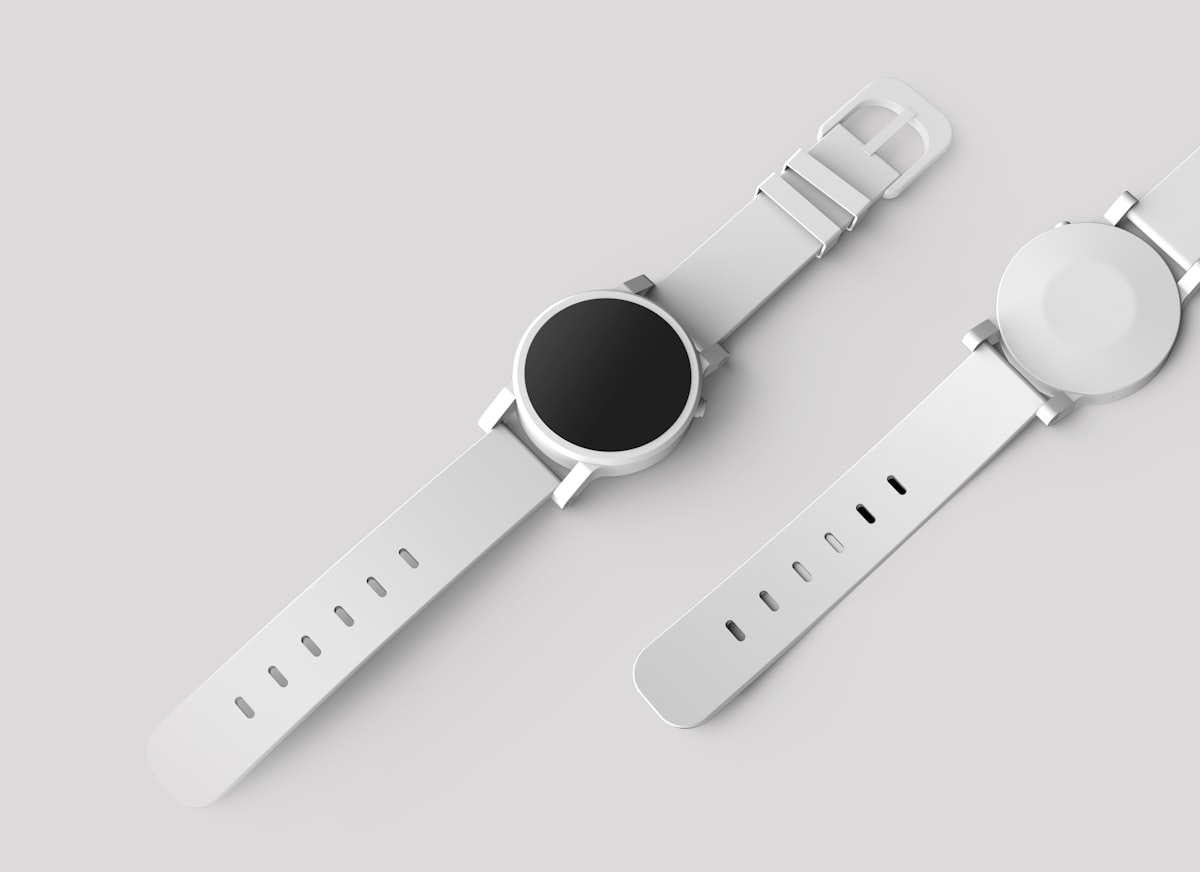 Wearables sit directly against your skin, eliminating the distance buffer that reduces exposure from other devices.
- Apple Watch / Wear OS watches — Bluetooth LE + WiFi + cellular (some models). Emit continuously while worn. Measured: 0.05–0.3 V/m at the skin surface.
- Fitness trackers (Fitbit, Whoop) — Bluetooth LE, lower output than smartwatches. Measured: 0.02–0.1 V/m.
- AirTags and Tile trackers — Bluetooth LE beacons, very low power but constant. Measured: 0.01–0.05 V/m.
- Smart rings (Oura) — Bluetooth LE, intermittent sync. Among the lowest-emitting wearables.
Practical tip: If you wear a smartwatch, switch it to airplane mode at night and sync in the morning. This eliminates 8 hours of skin-contact RF exposure daily.
Frequently Asked Questions
Do smart home devices emit EMF when turned off?
Most smart devices aren’t truly “off” when you press the power button — they enter standby mode and maintain their WiFi connection. The only way to fully stop EMF emission is to unplug the device or use a smart plug to cut power entirely. Smart speakers, cameras, and displays all transmit in standby.
Is smart home EMF dangerous?
Current scientific consensus from bodies like ICNIRP and the WHO is that low-level RF from individual smart devices falls well below established safety limits. However, these limits were set before the era of 20+ always-on devices per home, and some researchers argue that cumulative long-term exposure deserves more study. The precautionary approach — reducing unnecessary exposure while keeping useful features — costs nothing and carries no downside.
Which smart home hub produces the least EMF?
Hubs that use Zigbee or Z-Wave as the primary protocol (like the Aeotec SmartThings Hub or Hubitat Elevation) produce less ambient RF than WiFi-based systems. The Philips Hue Bridge, which communicates with bulbs via Zigbee and connects to your network via wired Ethernet, is one of the lowest-EMF smart home setups available.
Can I measure smart home EMF myself?
Yes. A broadband RF meter like the TriField TF2 ($170) or Safe and Sound Pro II ($400) can measure the RF output of individual devices. Hold the meter 1 meter from each device and note the reading. Our complete guide to EMF meters covers what to buy and how to interpret readings.
Does turning off WiFi at night actually help?
Significantly. Your WiFi router is typically the #1 source of RF in your home, and turning it off for 7–8 hours eliminates that exposure entirely during your longest continuous period indoors. Many routers have built-in scheduling to automate this. Your wired devices (desktop computer, smart TV via Ethernet) continue working normally.
Related Reading
- Low-EMF Home Security: Wired Cameras, PoE Systems, and Alternatives — a complete guide to securing your home without adding more WiFi
- Low EMF Baby Monitors: Best Options for EMF-Conscious Parents — wired and low-power alternatives for the nursery
- Do Smart TVs Emit EMF? What’s Actually Coming Off Your Screen — detailed breakdown of TV WiFi, Bluetooth, ELF, and standby emissions with reduction tips
The Bottom Line
Smart homes aren’t going away — and they don’t need to. The goal isn’t to live like it’s 1995. It’s to make informed choices about which wireless conveniences you actually need and minimize the ones that run silently in the background producing EMF you never asked for.
The three highest-impact changes, in order:
- Move your WiFi router away from bedrooms and seating areas (or turn it off at night)
- Hardwire everything that has an Ethernet port (TV, streaming devices, computers)
- Remove always-on wireless devices from bedrooms (speakers, cameras, displays)
Do those three things and you’ll cut your total smart home EMF exposure by an estimated 50–70% — without losing a single feature you actually use during the day.
Want to see what’s already in your neighborhood? Search your address on EMF Radar to see cell towers, antennas, and estimated RF levels around your home. Your smart home is one piece of the picture — we’ll show you the rest.
Claudia Kaye is a data analyst and growth lead at EMF Radar. Measurements referenced in this article are based on published technical specifications, independent testing data, and peer-reviewed research. Individual device emissions vary by model, firmware version, and network conditions.
Concerned about EMF in your environment? Check your address on EMF Radar to see nearby cell towers and power lines, or find a certified EMF consultant for professional testing.