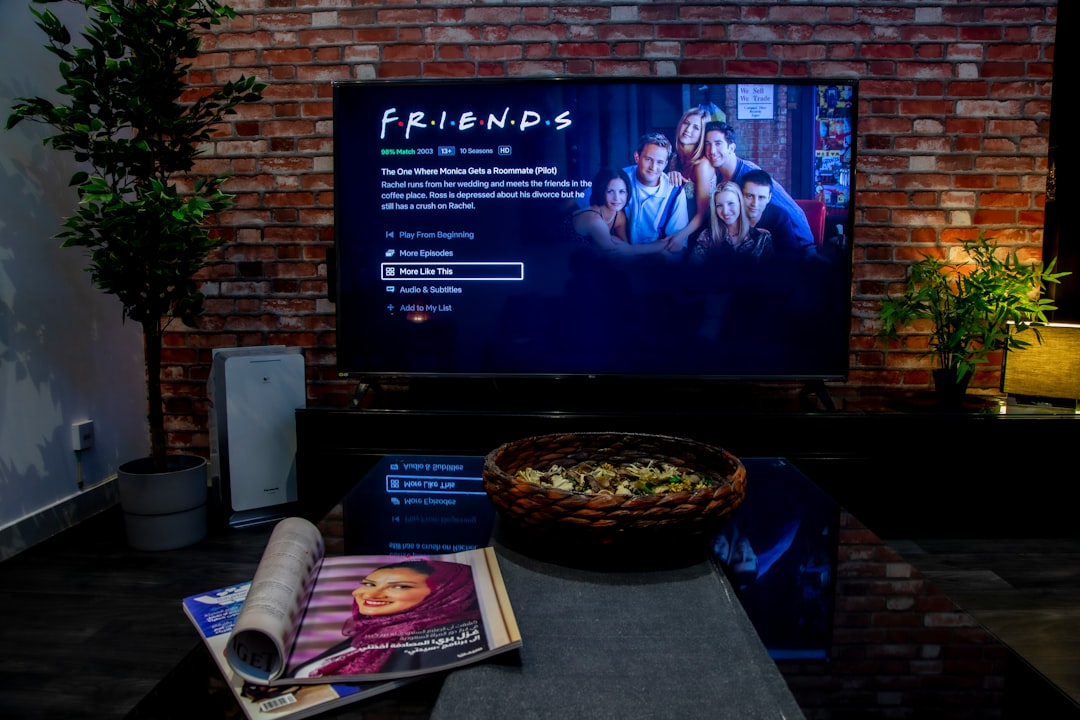
The average American watches over 3 hours of TV per day. If you’re health-conscious about EMF, that’s a significant chunk of your waking hours spent in front of a large electronic device — so it’s a fair question: how much electromagnetic radiation is your smart TV actually producing?
The short answer: much less than your phone, considerably less than your WiFi router, and nowhere near enough to warrant panic. But “much less” isn’t “zero,” and understanding what’s coming off that screen helps you make informed choices about placement, settings, and usage.
The Three Types of EMF Your TV Produces
1. RF Radiation (WiFi + Bluetooth)
Every smart TV contains radio transmitters — typically:
- WiFi 802.11ac/ax (2.4 GHz and 5 GHz bands) for streaming content
- Bluetooth (2.4 GHz) for remote control pairing and soundbar connectivity
- Some models: Chromecast/AirPlay receivers (additional WiFi activity)
Measured levels:
- At 1 foot: 0.01–0.1 mW/cm² during active streaming
- At 3 feet: 0.001–0.01 mW/cm²
- At 6 feet (typical viewing distance): 0.0001–0.001 mW/cm²
- At 10 feet: effectively at background levels
For context, the FCC safety limit is 1 mW/cm² — your smart TV at viewing distance produces roughly 1,000× to 10,000× less than the legal maximum.
Key distinction: A TV’s WiFi radio is functionally identical to a WiFi-connected laptop or tablet. The difference is distance — you hold a phone against your head but sit 6–10 feet from a TV. That distance is the single biggest EMF reduction factor.
When RF spikes: TV WiFi activity increases during:
- Initial streaming buffer (downloading the first few minutes of content)
- Quality changes (resolution shifts trigger data bursts)
- App updates and firmware downloads (can happen in standby mode)
- Voice assistant wake words (if enabled — Alexa, Google Assistant)
Between active data transfers, WiFi transmissions drop to minimal keepalive packets.
2. ELF Magnetic Fields (Power Supply + Backlight)
The TV’s power supply converts 120V AC to lower DC voltages for the electronics and LED backlight. This conversion produces ELF (extremely low frequency, 60 Hz) magnetic fields.
Measured levels by TV type:
| TV Technology | At 1 foot | At 3 feet | At 6 feet |
|---|---|---|---|
| LED LCD (55”) | 1–5 mG | 0.2–1 mG | <0.1 mG |
| OLED (55”) | 0.5–3 mG | 0.1–0.5 mG | <0.1 mG |
| Old CRT (32”) | 5–25 mG | 1–5 mG | 0.3–1 mG |
OLED TVs tend to produce slightly lower magnetic fields because they don’t require a high-power LED backlight — each pixel produces its own light.
For comparison:
- Earth’s background magnetic field: ~500 mG (static, not alternating)
- Refrigerator at 1 foot: 1–3 mG
- Microwave oven at 1 foot: 100–300 mG
- Hair dryer at 6 inches: 1–70 mG
- ICNIRP safety limit (60 Hz): 2,000 mG
- Building Biology “no concern”: <1 mG
At normal viewing distance, your TV’s ELF magnetic field is indistinguishable from background.
3. Blue Light (Visible Radiation)
Technically electromagnetic radiation, blue light (400–490 nm) from LED backlights and OLED screens is the TV emission most likely to affect your health — though NOT through the mechanisms most EMF-concerned people worry about.
What blue light actually does:
- Suppresses melatonin production — well-established, measurable effect. Evening blue light exposure delays sleep onset and reduces sleep quality.
- May cause digital eye strain — from extended close-range viewing, though the American Academy of Ophthalmology says blue light from screens doesn’t cause eye damage.
- Does NOT cause skin cancer or cataracts at screen-emitted levels.
What helps: Night mode / warm color settings (most smart TVs have these), reduced brightness in evening hours, and the simple fact that you sit much farther from a TV than from a phone or laptop.
Smart TV vs. Other Devices: Honest Comparison
| Device | Distance | RF Level | ELF Level | Daily Hours | Relative Concern |
|---|---|---|---|---|---|
| Cell phone (call at ear) | 0 cm | 0.2–1.0 mW/cm² | Minimal | 0.5–2h | ⬛⬛⬛⬛⬛ Highest |
| Laptop (on lap) | 0 cm | 0.01–0.1 mW/cm² | 2–20 mG | 2–8h | ⬛⬛⬛⬛ High |
| WiFi router | 3–10 ft | 0.001–0.05 mW/cm² | 0.5–2 mG | 24h | ⬛⬛⬛ Moderate |
| Smart TV | 6–10 ft | 0.0001–0.001 mW/cm² | <0.5 mG | 2–4h | ⬛ Low |
| Smart speaker | 3–6 ft | 0.001–0.01 mW/cm² | <0.5 mG | 24h | ⬛⬛ Low-Mod |
| Cell tower at 100m | 300+ ft | 0.0001–0.001 mW/cm² | N/A | 24h | ⬛ Low |
The takeaway: Your smart TV ranks near the bottom of household EMF sources. If you’re trying to reduce EMF exposure, the phone in your pocket and the router next to your bed deserve attention long before your TV does.
Check your EMF exposure
See cell towers, power lines, and substations near any US address.
Search Your AddressCRT vs. LCD vs. OLED: The Technology Evolution
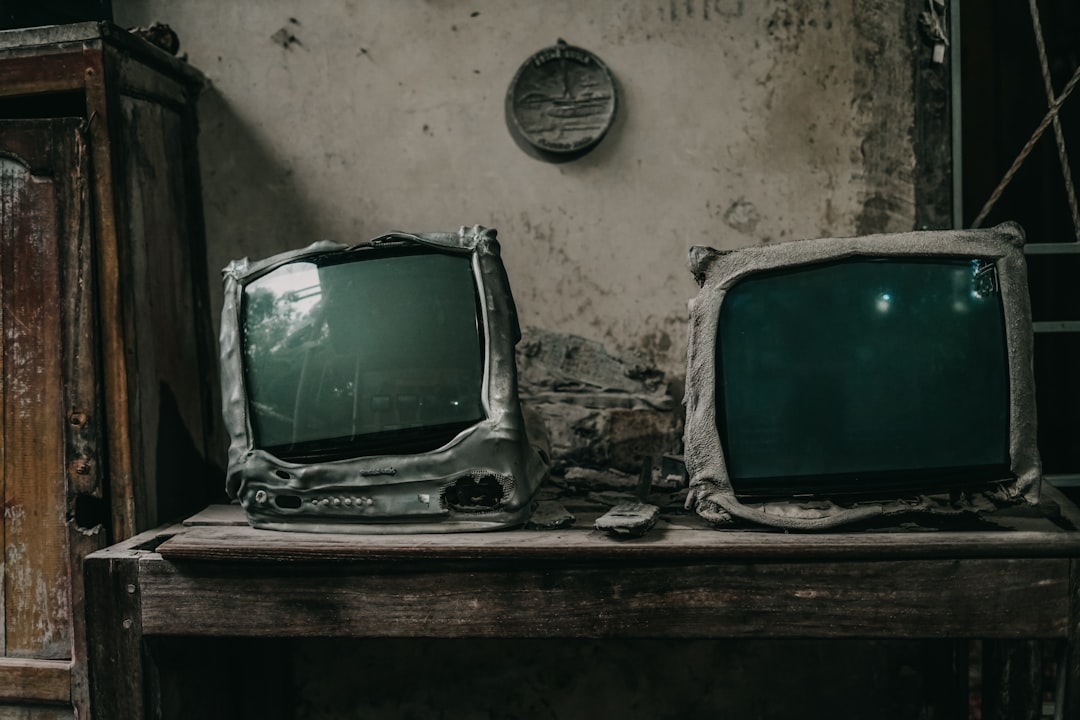
If you grew up with tube TVs, you might remember the “don’t sit too close to the TV” warnings from parents. That advice was actually warranted for CRTs:
CRT Televisions (pre-2010):
- Electron gun accelerating electrons at 15,000–30,000 volts
- Produced measurable X-rays (required lead glass shielding)
- Strong ELF fields (5–25 mG at 1 foot)
- Significant static electric charge on screen surface (attracted dust)
- High power consumption (150–400W for a 32” set)
Modern LED LCD TVs:
- LED backlight + liquid crystal panel
- Zero X-ray production
- Moderate ELF from backlight drivers (1–5 mG at 1 foot)
- No static charge
- Low power consumption (50–120W for a 55” set)
OLED TVs:
- Individual organic LED pixels (no backlight)
- Zero X-rays
- Lower ELF than LED (each pixel draws minimal power independently)
- No backlight uniformity issues
- Very low power in dark scenes, moderate in bright scenes (80–150W average for 55”)
QLED/Mini-LED: Similar to standard LED LCD in EMF profile, but may have slightly different power supply characteristics due to more backlight zones.
The transition from CRT to flat panel was one of the biggest EMF reductions in household technology — roughly a 5–10× decrease in ELF fields and the complete elimination of X-ray exposure.
The Standby Problem: Your TV Never Really Sleeps
Here’s what most people don’t realize: modern smart TVs transmit WiFi even when “off.”
In standby mode, a typical smart TV maintains:
- WiFi connection for wake-on-LAN commands (allowing you to power on via app)
- Voice assistant listening (if enabled — continuous microphone + WiFi)
- Background firmware update checks (periodic WiFi bursts)
- Chromecast/AirPlay beacon broadcasts (advertising availability)
- HDMI-CEC keepalive signals
This means a smart TV in standby mode is functionally equivalent to a small WiFi device running 24/7 in your living room — or bedroom, if that’s where it lives.
Measured standby RF: Typically 10–50% of active-use levels. Not high in absolute terms, but non-zero and continuous.
7 Practical Tips for Low-EMF TV Viewing
1. Hardwire with Ethernet (Eliminates WiFi RF Entirely)
Most smart TVs have an Ethernet port on the back. Connecting via cable:
- Eliminates all WiFi transmissions (background polling, streaming data, standby beacons)
- Typically provides better streaming quality (more stable bandwidth, lower latency)
- Allows you to disable the TV’s WiFi radio entirely in settings
How to do it: Connect an Ethernet cable from your router to the TV’s LAN port. Go to Settings → Network → Wired Connection. Then disable WiFi in the same settings menu.
2. Maintain Viewing Distance (6+ Feet)
The inverse square law is your best friend:
- At 3 feet: 4× the EMF of 6 feet
- At 6 feet: roughly background levels for most TVs
- At 10 feet: effectively zero additional exposure
The standard recommendation for a 55” TV is 7–10 feet for optimal viewing quality — which also happens to be excellent for EMF reduction.
3. Disable WiFi Features You Don’t Use
In your TV’s settings, consider disabling:
- Voice assistant / microphone (eliminates continuous listening + WiFi)
- Automatic content recognition (ACR) — tracks what you watch, requires constant data upload
- Auto-update (set to manual — you control when downloads happen)
- Screen casting receiver (if you don’t use it)
- Bluetooth (if not using wireless audio)
Each disabled feature reduces background RF activity.
4. Use a Power Strip with an Off Switch
When the TV isn’t in use, switching off the power strip eliminates:
- All standby RF transmissions
- ELF from the standby power supply
- Phantom power draw (5–30W in standby for smart TVs)
- Saves $5–15/year in electricity
This is the simplest zero-EMF sleep solution if you have a TV in the bedroom.
5. Consider a “Dumb” Display + External Streaming
A non-smart monitor or “dumb” TV (no built-in WiFi) paired with a single streaming device (Apple TV, Roku, Fire Stick) gives you:
- Complete control over which device handles networking
- Ability to unplug the streaming device when not in use
- Generally better software updates and longer support than built-in smart TV platforms
- The display itself produces only ELF from the power supply — no RF at all
6. Use Night Mode After Sunset
Most modern TVs offer blue light reduction modes:
- Samsung: Eye Comfort Mode
- LG: Eye Comfort / Blue Light Filter
- Sony: Blue Light Reduction
- General: Warm color temperature setting
This doesn’t affect EMF but addresses the one screen emission most likely to affect your health — melatonin-suppressing blue light in the evening.
7. Don’t Put TVs in Children’s Bedrooms
The American Academy of Pediatrics already recommends against bedroom TVs for children for screen time reasons. From an EMF perspective:
- Children’s rooms are sleeping environments (8–12 hours of exposure)
- Standby WiFi runs all night unless power-stripped
- Kids tend to sit closer to screens
- Children absorb 2–3× more RF than adults due to thinner skulls and higher water content
If a child’s room already has a TV, at minimum use a power strip that’s turned off at bedtime.
What About Gaming Consoles and Streaming Devices?
These auxiliary devices add their own EMF:
Gaming Consoles (PS5, Xbox Series X, Nintendo Switch):
- WiFi transmitters (often more powerful than TV’s built-in WiFi)
- Bluetooth controllers (continuous low-power RF during gameplay)
- Higher power consumption (100–200W under load → more ELF)
- USB charging cables can add dirty electricity
Streaming Devices (Apple TV, Roku, Fire Stick, Chromecast):
- WiFi transmitter (similar to a small router)
- Bluetooth for remote pairing
- Low power consumption (3–10W → minimal ELF)
- Constantly connected to WiFi even when not actively streaming
Soundbars:
- WiFi and/or Bluetooth receivers
- Some support ARC/eARC (wired audio) — use this instead of wireless when possible
- Moderate power supply (20–50W → some ELF at close range)
Practical move: If possible, run your console/streaming device on Ethernet and use wired audio (HDMI ARC or optical) instead of Bluetooth to the soundbar. This eliminates most RF from the entertainment center while maintaining full functionality.
The Bigger Picture: Perspective on TV EMF
Here’s what the research actually supports worrying about from your TV setup:
Definitely matters:
- Excessive screen time → sedentary behavior, sleep disruption, social isolation
- Evening blue light → melatonin suppression → sleep quality
- Background noise/stimulation → may affect sleep architecture if TV is in bedroom
Probably doesn’t matter (at typical viewing distances):
- RF from TV WiFi at 6+ feet
- ELF magnetic fields from TV power supply at viewing distance
- Blue light at normal brightness and distance
Might matter (for sensitive individuals or suboptimal setups):
- Standby WiFi in a bedroom (continuous overnight exposure at closer range)
- Multiple wireless devices in the entertainment center (cumulative)
- Sitting very close (3 feet or less) for extended periods
The UK Biobank study of 473,184 people found TV viewing time associated with increased dementia, Parkinson’s, and depression risk — but the mechanism is almost certainly sedentary behavior and social isolation, not EMF from the screen.
Bottom Line
Your smart TV is one of the least concerning EMF sources in your home. At normal viewing distances, RF and ELF fields are negligible. The real health impacts of TV are behavioral — too much sitting, too much blue light at night, too much passive consumption.
If you want to optimize anyway:
- Ethernet the TV (zero WiFi)
- Power strip off when not watching
- 6+ feet viewing distance
- Night mode after sunset
- No bedroom TVs for kids
These five steps address 95% of any conceivable TV EMF concern. Then spend your energy on the things that actually matter more — your phone habits, your router placement, and your overall home EMF environment.
Want to know what EMF sources surround your home? Search your address on EMF Radar for a free cell tower proximity analysis.