Turning off WiFi at night is the single easiest EMF reduction most homes can make: it costs $10 or nothing, takes fifteen minutes to set up once, and eliminates six to eight hours of continuous RF transmission while you sleep. The two methods worth using are a mechanical outlet timer or your router’s built-in wireless scheduler. The method everyone reaches for first — a WiFi smart plug — has a problem we’ll get to, because the plug is a radio too.
Here’s how to set up each option, what actually changes on an RF meter when the network goes dark, and a clear-eyed look at whether it will change your sleep.
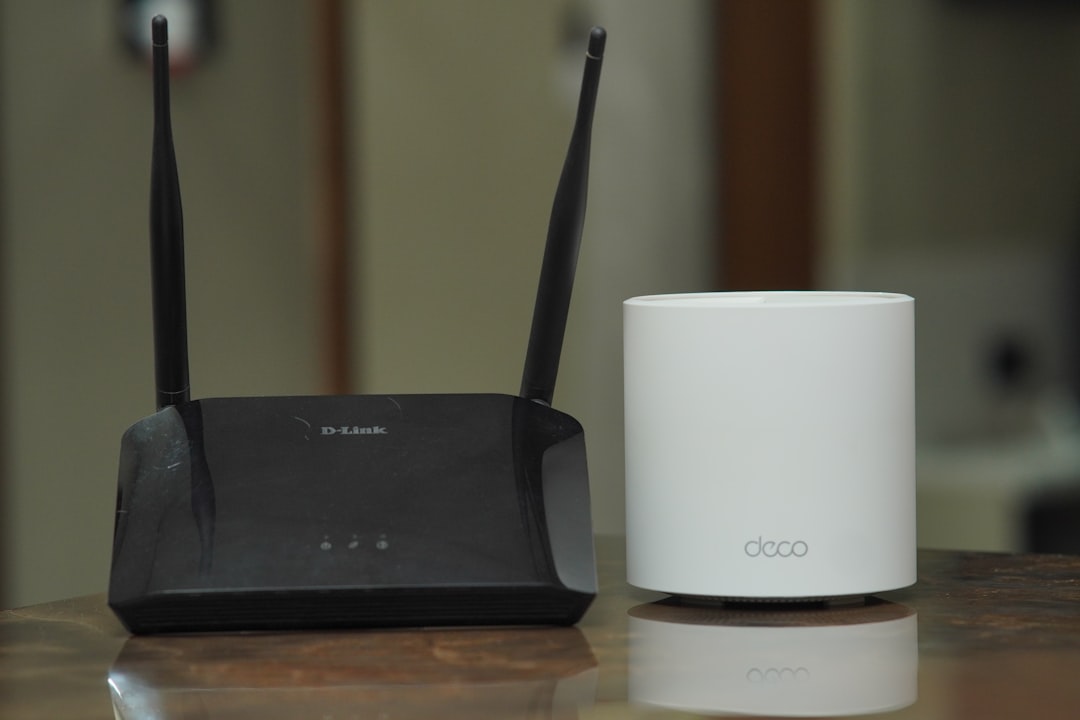 Your router transmits all night whether anyone is using it or not. A $10 timer or a built-in schedule fixes that.
Why Nighttime Is the Cheapest Exposure Win
Your router doesn’t idle quietly when nobody’s browsing. WiFi access points transmit beacon frames roughly ten times per second around the clock, announcing the network’s existence whether or not a single device is using it — a detail from our low-EMF bedroom guide. The eight hours you spend asleep are eight hours of transmission doing nothing for you.
Sleep hours are also the one block of the day when shutting the network down costs nothing — nobody is streaming, nobody is on a call. Cutting WiFi overnight removes roughly a third of your daily router exposure — the estimate from our WiFi router safe distance guide — and it’s the only third you’ll never miss.
If the router lives in or next to the bedroom, distance still matters more than scheduling — move it first, then schedule it. Once placement is handled, the overnight shutoff takes your own network’s contribution at the pillow to zero.
Option 1: Your Router’s Built-In Scheduler (Best If You Have It)
Most mainstream routers from the last several years can turn their own radios off on a schedule — no extra hardware, no added transmitters, and the router itself stays powered so wired connections keep working.
The feature goes by different names:
| Router family | Feature name | Where to look |
|---|---|---|
| TP-Link | Wireless Schedule | Advanced → Wireless → Wireless Schedule |
| ASUS | WiFi Scheduling | Router app: Settings → Network; or web admin wireless settings |
| Netgear | Turn off wireless signal by schedule | Advanced → Advanced Setup → Wireless Settings |
| Others | “Wireless schedule,” “WiFi timer,” “night mode” | Wireless or advanced wireless settings in the admin panel |
A few practical notes from how these actually behave:
- Scheduling is often per-band. ASUS lets you schedule 2.4 GHz, 5 GHz, and 6 GHz independently, and some TP-Link models can keep one band alive during the off window. That’s genuinely useful: park always-on devices (cameras, thermostats) on one band and schedule the other off.
- The router’s clock has to be right. Schedulers run on the router’s system time. If the time zone is wrong, your 11 PM shutoff happens at odd hours. Check this first when a schedule misbehaves.
- Physical buttons can override schedules. On Netgear’s community forums, a long-running complaint is that pressing the router’s physical WiFi button overrides the schedule, and some users report the signal not coming back on. Whatever the brand, test the schedule for a night or two before trusting it.
- The radio goes off; the router stays on. This is the advantage over cutting power: anything wired by ethernet keeps working, and the router doesn’t need a full reboot every morning.
ISP-issued gateways often bury a WiFi schedule under advanced wireless settings, so log in and look. If yours has none, the mechanical timer below does the same job from the outside.
A Warning About Mesh “Pauses”
App-first mesh systems like eero and Google Nest WiFi offer scheduled pauses — bedtime profiles that cut internet access for chosen devices. Useful for parenting; nearly useless for exposure. A pause blocks traffic at the software level while the access points keep right on transmitting — the network stays up and the beacons keep broadcasting. Your meter will read essentially the same during a “paused” night as an active one. If your mesh system offers no radio-off schedule, the timer method is the answer — one timer per node.
Check your EMF exposure
See cell towers, power lines, and substations near any US address.
Search Your AddressOption 2: The Mechanical Timer (Dumbest Technology, Fewest Surprises)
An $8–15 mechanical outlet timer — the pin-wheel kind that has run Christmas lights since your grandparents’ era — is the most reliable WiFi curfew there is. Set the pins for midnight to 6 AM, plug the router into it, done.
Why the dumb option beats the smart one here:
- It contains no radio. A mechanical timer adds zero RF to your home — which will become relevant in the next section.
- Nothing to configure, nothing to update. No app, no account, no firmware, no cloud outage. It clicks.
- It fails loudly, not silently. You can see the pins and hear the tick. There is no mysterious state where the schedule silently stopped syncing.
Two things to know:
- Routers handle a daily power cycle fine. Boot takes a minute or two, and every device reconnects on its own. If your mornings start before the timer trips, set the on-time earlier.
- Decide what happens to the modem. Separate modem and router? Both can go on the timer — but if your home phone runs through the modem (VoIP), leave the modem powered so the line stays live. Cutting only the router still kills all WiFi.
The tradeoff versus a router-native schedule: the timer cuts everything, wired ethernet and always-on bands included. For bedrooms-first households, that’s a feature, not a bug.
Option 3: The Smart Plug — and the Irony Problem
Search this topic and half the results tell you to buy a WiFi smart plug. Think that through: to reduce the radios in your home, you buy an additional radio, plug it in ten inches from your router, and let it transmit on 2.4 GHz around the clock. That is EMF reduction with more EMF.
To be fair, the scheme does work, for a reason that surprises people:
- Schedules run locally. Mainstream WiFi plugs (TP-Link’s Kasa line is the well-documented example) store schedules in the plug’s own memory, so the nightly on/off executes even with the WiFi down — no cloud needed to flip a relay at 6 AM.
- But you lose manual control once the router is off — the app can’t reach the plug. Need the network back at 3 AM? You’re walking to the outlet, at which point you’ve reinvented the mechanical timer with extra steps.
- And the clock drifts after outages. Plugs re-sync their clocks over the internet; after a power cut, one that can’t reach the network may run its schedule late until it reconnects.
A hub-based plug (Zigbee, Z-Wave, Thread) is less ironic — those radios are lower-power and the schedule lives on the hub — but you’ve still added a transmitter to remove one. Our verdict is boring and firm: router scheduler if you have one, mechanical timer if you don’t, smart plugs for lamps.
What Actually Changes on a Meter
This is the part that makes the habit stick. Numbers from our router distance guide: a typical dual-band router measures roughly 1,000–10,000 µW/m² at one foot, 5–40 µW/m² at fifteen feet, and under 20 µW/m² past twenty feet. Building Biology guidelines classify sleeping-area readings above 10 µW/m² as a severe concern — a deliberately precautionary standard set orders of magnitude below regulatory exposure limits, so readings that flunk it are still far under legal safety thresholds.
When the schedule or timer trips, your own network’s contribution drops to zero. What a meter still shows afterward is your real ambient picture:
- Neighbors’ networks. In a detached house, the residual reading usually falls to low single digits. In an apartment building, a dozen SSIDs through the walls set your noise floor, and your shutdown changes only your slice of it.
- Cellular. Outdoor base station signal doesn’t care about your router. That’s the baseline your building always has.
- Your own devices. The catch worth knowing: with WiFi gone, phones move their background syncing to cellular. If your phone sleeps on the nightstand, you’ve silenced a source across the house while leaving one a foot from your head — airplane mode finishes the job. WiFi gadgets like smart speakers will also retry their lost connection all night; bedroom ones are better unplugged anyway, as we cover in the bedroom guide.
A before/after reading at pillow height takes five minutes and turns an abstract precaution into a number you watched fall. Don’t own a meter yet? Our meter guide covers the ones worth buying, and how to test your home walks through the protocol.
Will You Actually Sleep Better? An Honest Answer
We’d love to tell you a WiFi curfew fixes sleep, but the evidence doesn’t support that claim and we won’t make it. As we detailed in our review of the EMF-and-sleep research, a 2024 WHO-commissioned systematic review of 41 experimental studies found essentially no effect of RF exposure on sleep symptoms when participants were blinded, and the COSMOS cohort — about 24,000 people in Sweden and Finland whose phone use was tracked through operator records — found no link with sleep quality, though its heaviest callers reported slightly more insomnia, a pattern pointing at behavior rather than radiation.
Which is exactly why the WiFi curfew often works anyway. When the internet dies at 11 PM, the scrolling that ran on it dies too — and screens, light, and stimulation before bed are among the best-documented sleep disruptors we have. The families who swear by their router timer are probably right that they sleep better; they’re just crediting the wrong mechanism. A WiFi schedule is a precautionary RF reduction and one of the most effective screen-time enforcement tools ever invented, because nobody can negotiate with a mechanical timer.
Treat it accordingly: a zero-cost precaution with a real behavioral payoff, not a medical intervention.
What Should Stay On
A few exceptions before you schedule everything into darkness:
- Medical devices come first. If anyone in the house uses a connected medical device — a CPAP that uploads therapy data, a glucose monitor that alerts a parent’s phone — keep its connection alive: leave the network up or park the device on an always-on band. Reducing EMF never outranks a medical device doing its job.
- Security systems and cameras that depend on WiFi need the always-on band trick or their own network. Check whether yours alerts on disconnection, or you’ll get a midnight notification every night.
- Smart home infrastructure (thermostats, leak sensors) generally tolerates offline hours and re-syncs in the morning, but check anything that matters. Cloud backups need a different window.
Frequently Asked Questions
Should I turn off my WiFi router at night?
If the router is anywhere near a bedroom, yes — it’s a free reduction of six to eight hours of continuous RF exposure, roughly a third of the router’s daily total. Health harm from typical residential WiFi levels hasn’t been demonstrated, so treat this as low-cost precaution rather than necessity. Use your router’s built-in wireless schedule or a mechanical outlet timer.
Is a smart plug or a mechanical timer better for turning off WiFi?
Mechanical timer. A WiFi smart plug is itself a 2.4 GHz transmitter running day and night next to your router, and once the router is off you can’t control the plug from the app anyway. A mechanical timer adds zero RF, costs $8–15, and has nothing to misconfigure. Better than both, if your router offers it: the built-in wireless scheduler, which turns off the radios while keeping wired connections alive.
Does the router still emit EMF when the WiFi schedule turns the radio off?
The RF transmission — the part people mean by “WiFi radiation” — stops when the radios are off. The powered router still has a power supply producing weak low-frequency fields within a foot or two of the box, like any plugged-in electronics. At normal room distance that’s negligible; if the router is on your nightstand, the fix is distance, not just scheduling.
Will turning off WiFi at night mess up my devices?
Almost everything reconnects automatically within a couple of minutes of the network returning. The exceptions to plan for: WiFi security cameras go blind during the off window, some routers’ schedules can be overridden by the physical WiFi button (a known Netgear quirk — test yours), and smart plugs may run late after a power outage until their clocks re-sync. Phones fall back to cellular overnight, so put yours in airplane mode too.
Does turning off WiFi at night save electricity?
A little. A home router draws power in LED-lightbulb territory, so the overnight savings are real but invisible on your bill. Do it for the exposure reduction and the screen-time cutoff, not the electricity.
Want to see the difference for yourself? A basic RF meter shows the before-and-after at your pillow in real numbers — our EMF meter guide covers the models worth owning.