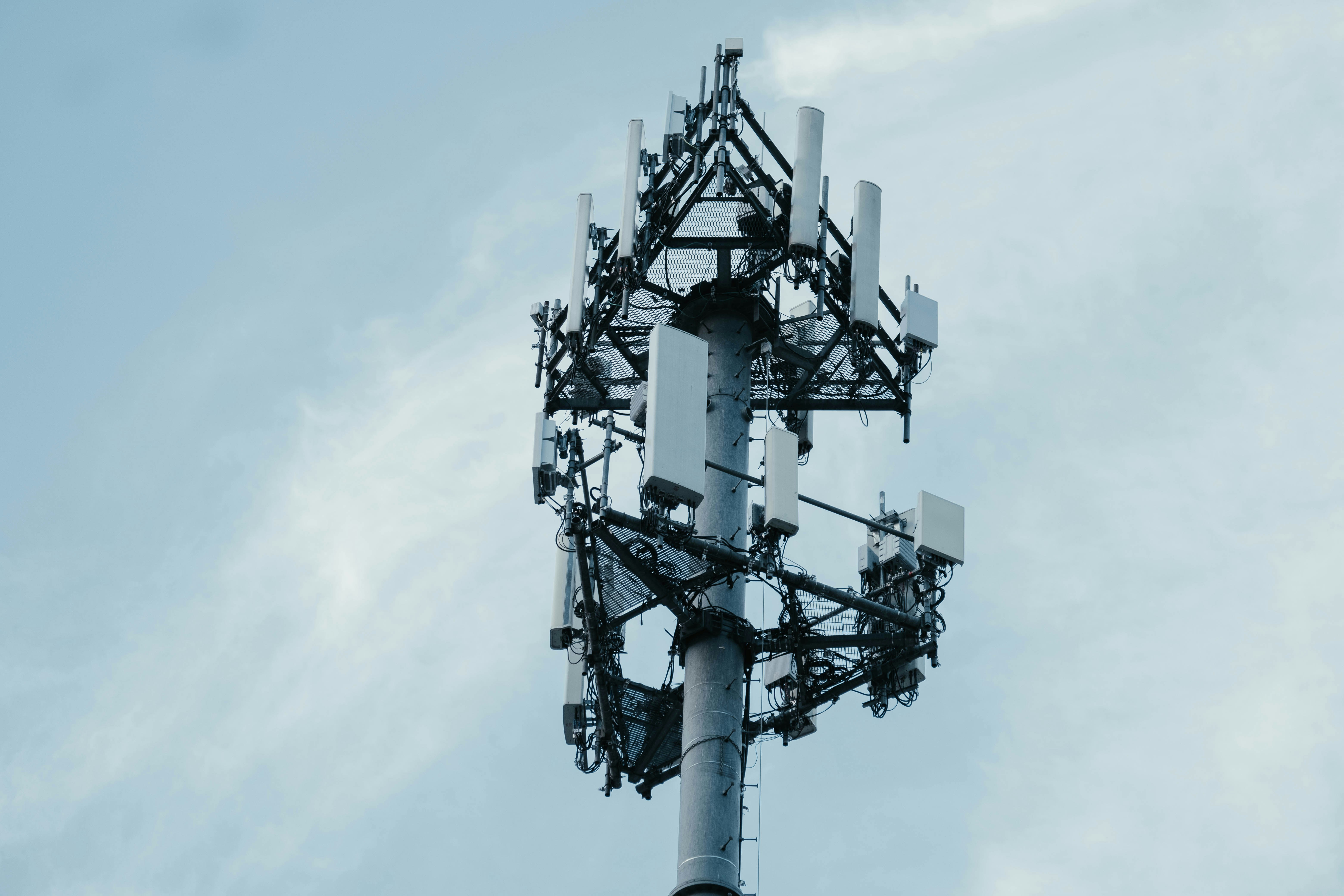
5G Tower Map: How to Find Cell Towers Near You in 2026
Whether you’re house-hunting, curious about that new antenna down the street, or trying to understand your RF exposure, you need to know what’s near you. Here’s every way to find cell towers near your address — and what to do with that information.

The Short Version
- EMF Radar Tower Map — search any US address, see cell towers + power lines + substations on one map, get an EMF exposure score
- FCC Antenna Structure Registration (ASR) — official database, but raw data without visualization
- OpenCelliD — crowdsourced, global coverage, but less accurate positioning
- Carrier coverage maps — show coverage zones, not individual tower locations
EMF Radar is the only tool that combines tower locations with power grid data and gives you a composite exposure score.
Why Tower Location Matters
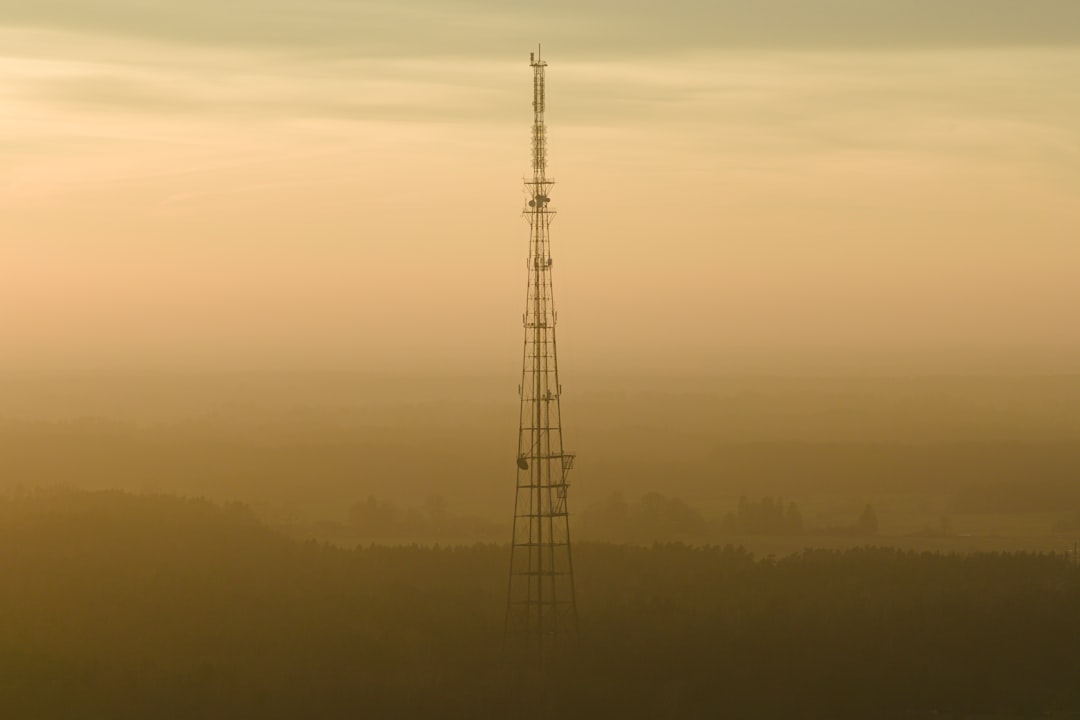
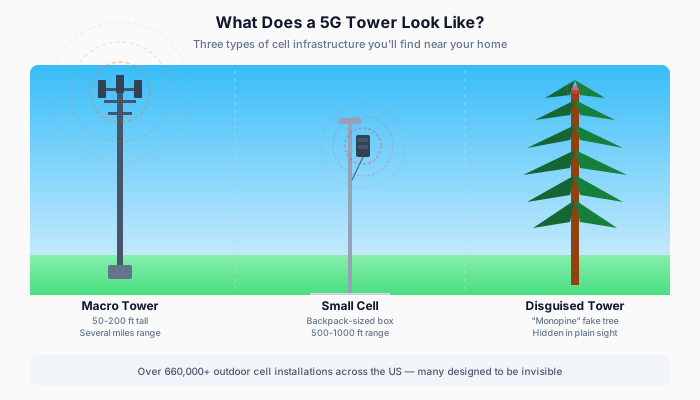
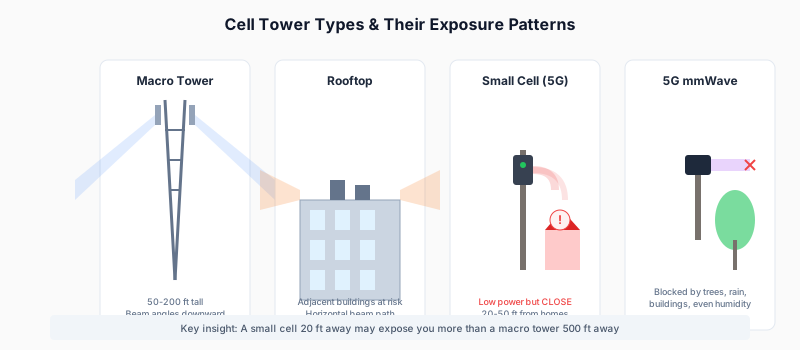
The inverse square law governs RF exposure: double your distance from a tower, and your exposure drops to one-quarter. This isn’t theoretical — it’s physics.
At 100 meters from a cell tower, you’re exposed to roughly:
- 4x more RF than someone 200 meters away
- 16x more RF than someone 400 meters away
- 100x more RF than someone 1,000 meters away
This is why “how many towers are in your city” is a less useful question than “how close is the nearest tower to your bedroom window.” Understanding what a 5G tower looks like can help you spot nearby infrastructure.
Check your EMF exposure
See cell towers, power lines, and substations near any US address.
Search Your AddressMethod 1: EMF Radar (Recommended)
EMF Radar’s interactive map is purpose-built for understanding EMF exposure near any US address.
What You Get
- Cell tower locations — every registered tower, color-coded by type (4G LTE, 5G NR, CDMA, etc.)
- Power line routes — high-voltage transmission lines mapped with voltage data
- Substation locations — electrical substations that create localized ELF fields
- EMF exposure score — 0-100 composite score based on proximity to all sources
- RF and ELF sub-scores — separate scores for wireless (cell towers) and power grid (lines + substations)
How to Use It
- Go to emfradar.com
- Enter your address in the search bar
- View the map showing all towers, lines, and substations within range
- Check your EMF score — lower is less exposure
- Expand details to see distance to nearest sources
What Makes It Different
Most tower-finding tools stop at “here’s where the towers are.” EMF Radar goes further:
- Combines RF and ELF sources — cell towers are only part of the picture
- Calculates actual exposure scores — not just proximity, but a modeled estimate of exposure intensity
- City and zip code comparisons — see how your area stacks up
- City-level EMF data — browse every state and city with pre-computed scores
Method 2: FCC Antenna Structure Registration (ASR)
The FCC maintains a public database of all registered antenna structures in the US.
Pros
- Official government data — most complete and authoritative
- Includes tower height, coordinates, registration dates
- Free to access
Cons
- Raw data — no visualization, just spreadsheets and query forms
- No exposure estimates — you get location but not what it means
- Doesn’t include small cells — many 5G small cells don’t meet the registration threshold
- No power line data — cell towers only
Best For
Researchers, journalists, or anyone who wants the raw source data. For personal use, tools like EMF Radar that visualize this data are more practical.
Method 3: OpenCelliD

OpenCelliD is a crowdsourced database of cell tower locations worldwide.
Pros
- Global coverage — not limited to the US
- Free API access for developers
- Community-maintained and growing
Cons
- Crowdsourced accuracy — locations are estimated from user device measurements, not surveyed GPS coordinates
- Can be off by hundreds of meters — a tower might show up on the wrong block
- No power grid data — cell towers only
- No exposure scoring
Best For
International searches, or developers building their own tools.
Method 4: AntennaSearch.com
A commercial service that maps towers and antennas near any US address.
Pros
- Visual map interface
- Includes some antenna types not in FCC ASR
Cons
- Limited free searches — requires paid subscription for full access
- No exposure scoring
- No power grid data
- Interface feels dated

Method 5: Carrier Coverage Maps
Every major carrier publishes coverage maps:
Pros
- Shows 5G vs 4G vs 3G coverage zones
- Official carrier data
Cons
- Shows coverage, not tower locations — you see colored zones, not individual antennas
- Optimistic — carriers tend to show best-case coverage
- No EMF/exposure relevance — designed for “will my phone work here” not “what’s my exposure”
What to Do Once You Find Towers Near You
Finding the towers is step one. Here’s what to do with that information:
1. Check the Distance
The most important factor is distance from your home to the nearest tower, especially to bedrooms where you spend 7-8 hours per night.
| Distance | Approximate Exposure Level |
|---|---|
| < 100m | Very High — tower is essentially on your block |
| 100-300m | High — within a few blocks |
| 300-500m | Moderate — nearby but not immediate |
| 500m-1km | Low-Moderate — background levels |
| > 1km | Low — minimal direct exposure |
These are rough guidelines. Actual exposure depends on tower power, antenna direction, frequency band, building materials, and line of sight.
2. Note the Direction
Which side of your home faces the nearest tower? RF exposure is significantly higher on the tower-facing side. If possible:
- Choose bedrooms on the opposite side from the nearest tower
- Consider RF shielding film on tower-facing windows (guide to RF window film)
- Move WiFi routers away from sleeping areas
3. Understand the Type
Not all towers are equal:
- 5G NR (New Radio) — higher frequency, shorter range, requires more towers placed closer together
- 4G LTE — most common, moderate range
- CDMA/GSM — older technology, being phased out
- Small cells — low-power 5G antennas on utility poles, lamp posts, and buildings
5G small cells are lower power individually but placed much closer to ground level and to buildings — sometimes 20-30 feet from windows. Learn more about 5G small cells and safety and the research on 5G tower health risks.
4. Don’t Forget Power Lines
Cell towers get all the attention, but high-voltage transmission lines and substations produce ELF (extremely low frequency) magnetic fields that are a separate concern. EMF Radar is the only consumer tool that maps both RF sources (towers) and ELF sources (power grid) together.
Learn more about power lines and health
5. Measure It Yourself
For definitive answers, measure actual EMF levels in your home with a personal meter:
- Best EMF Meters for Home Buyers — our curated recommendations
- Meters range from ~$40 basic models to $400+ professional units
- Room-by-room measurements reveal exactly where exposure is highest
Frequently Asked Questions
How accurate are cell tower maps?
EMF Radar uses FCC registration data, which includes surveyed GPS coordinates for registered structures. Accuracy is typically within a few meters for macro towers. Small cells (especially newer 5G installations) may have some lag in appearing in databases since registration requirements differ.
Can I see 5G towers specifically?
Yes — EMF Radar color-codes towers by radio technology. 5G NR towers appear in purple on the map, making them easy to distinguish from 4G LTE (blue) towers.
Do cell towers reduce property values?
Research suggests that visible cell towers within 300 meters can reduce property values by 2-9%, depending on the study and market. The effect is strongest when towers are directly visible from the property. Check our full analysis of cell towers and property values.
How many cell towers are near me?
The average American has 5-15 cell towers within 1 mile of their home, though this varies enormously. Urban residents may have 30+ towers nearby, while rural areas might have 1-2. Search your address to see your exact count.
Is there an app to find cell towers?
EMF Radar offers an iOS app that lets you search any address and see nearby towers. The web-based map at emfradar.com/map works on any device.
Last updated March 2026. Tower data refreshed regularly from FCC databases.